Qwen Image 2512 is Qwen's latest text-to-image model with enhanced prompt understanding, superior text rendering, and versatile aspect ratio support. Ready-to-use REST inference API, best performance, no cold starts, affordable pricing.
Idle
$0.02per run·~50 / $1
ExamplesView all
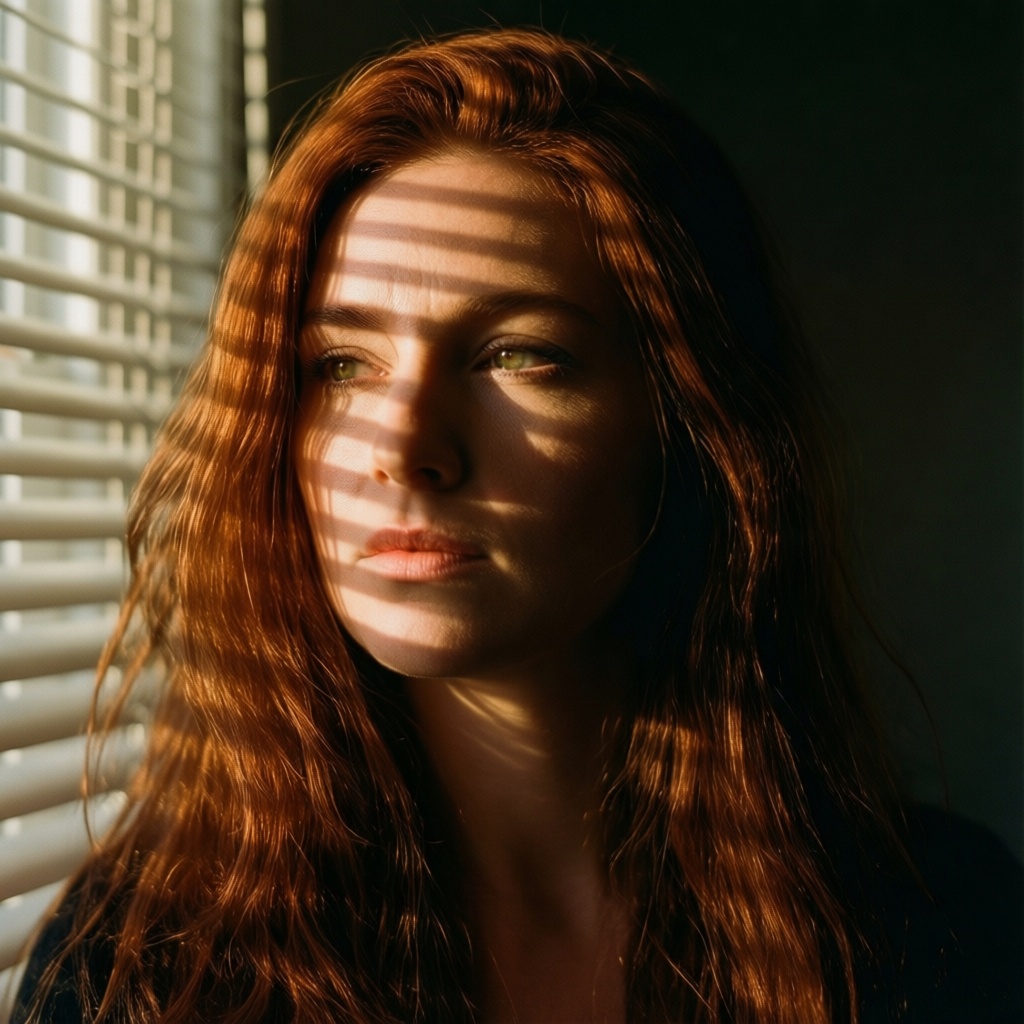
A 25-year-old woman with flowing auburn hair, captured in golden hour light streaming through venetian blinds, creating dramatic shadow patterns across her face. Shot on Hasselblad H6D-100c, 85mm f/1.4 lens, shallow depth of field, film grain, Kodak Portra 400 color science. Cinematic composition with negative space, melancholic atmosphere.
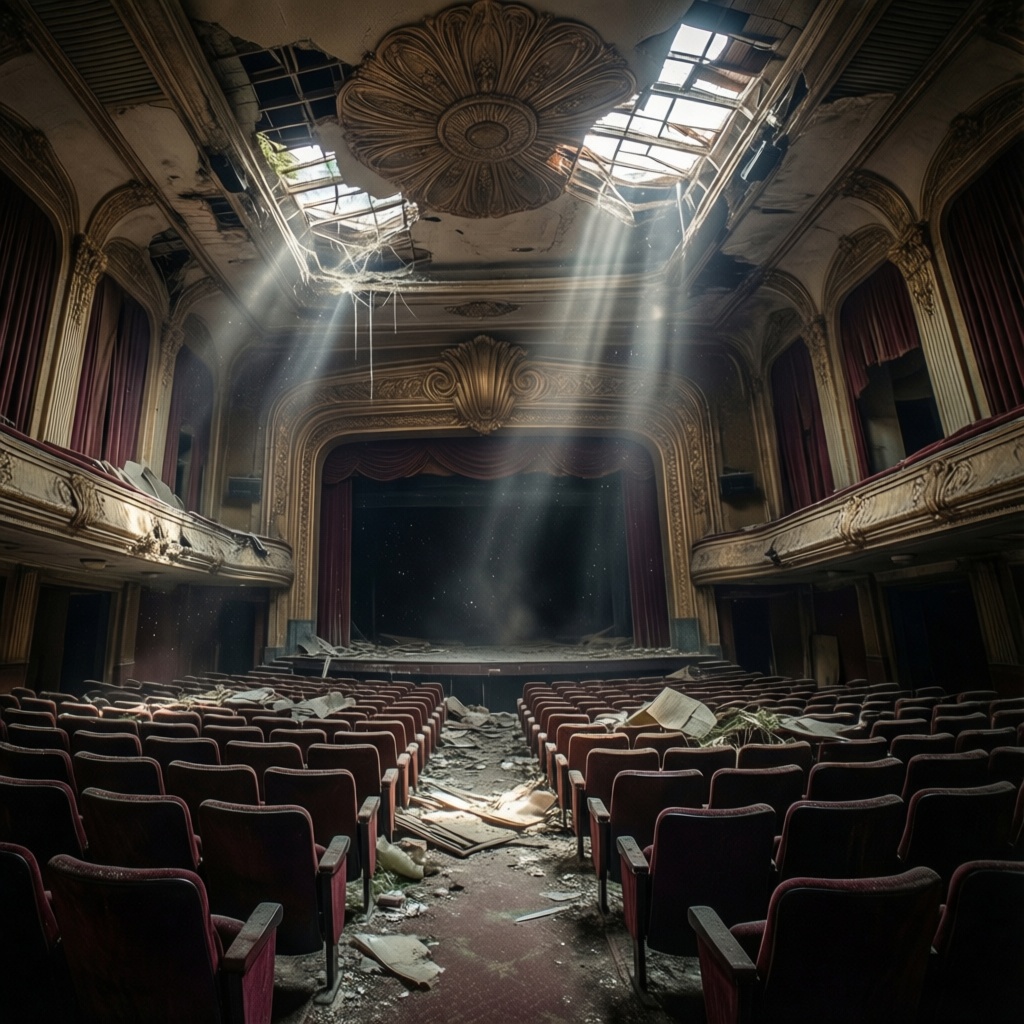
Abandoned Art Deco cinema interior, dust particles floating in shafts of light from broken skylights, ornate ceiling details crumbling, velvet seats covered in decades of debris. Wide angle lens distortion, HDR dynamic range, mysterious atmosphere, urbex photography aesthetic.
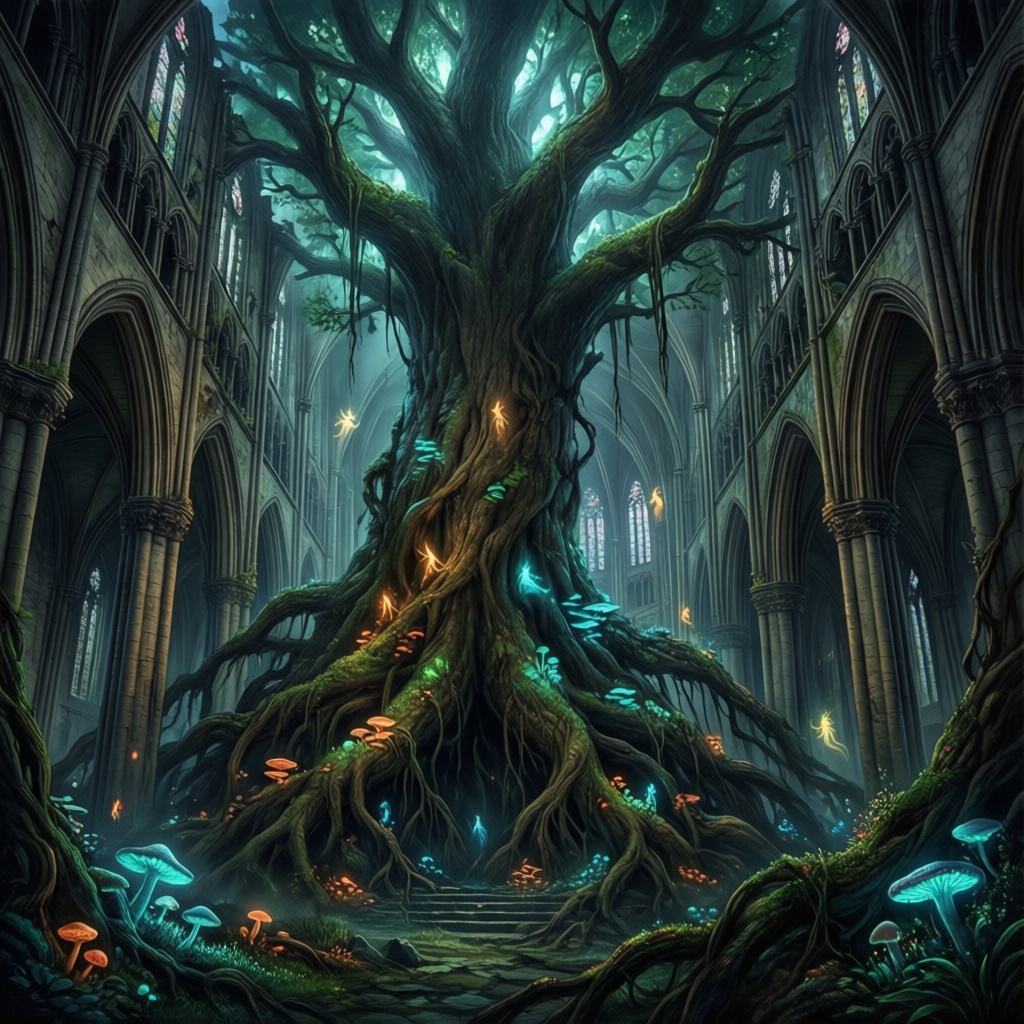
A colossal ancient tree growing through a collapsed cathedral, roots wrapped around gothic pillars, bioluminescent fungi illuminating the darkness, tiny floating spirits drifting upward like embers. Painted in the style of Craig Mullins meets Hayao Miyazaki, rich atmospheric perspective, matte painting quality, 8K resolution, epic scale.
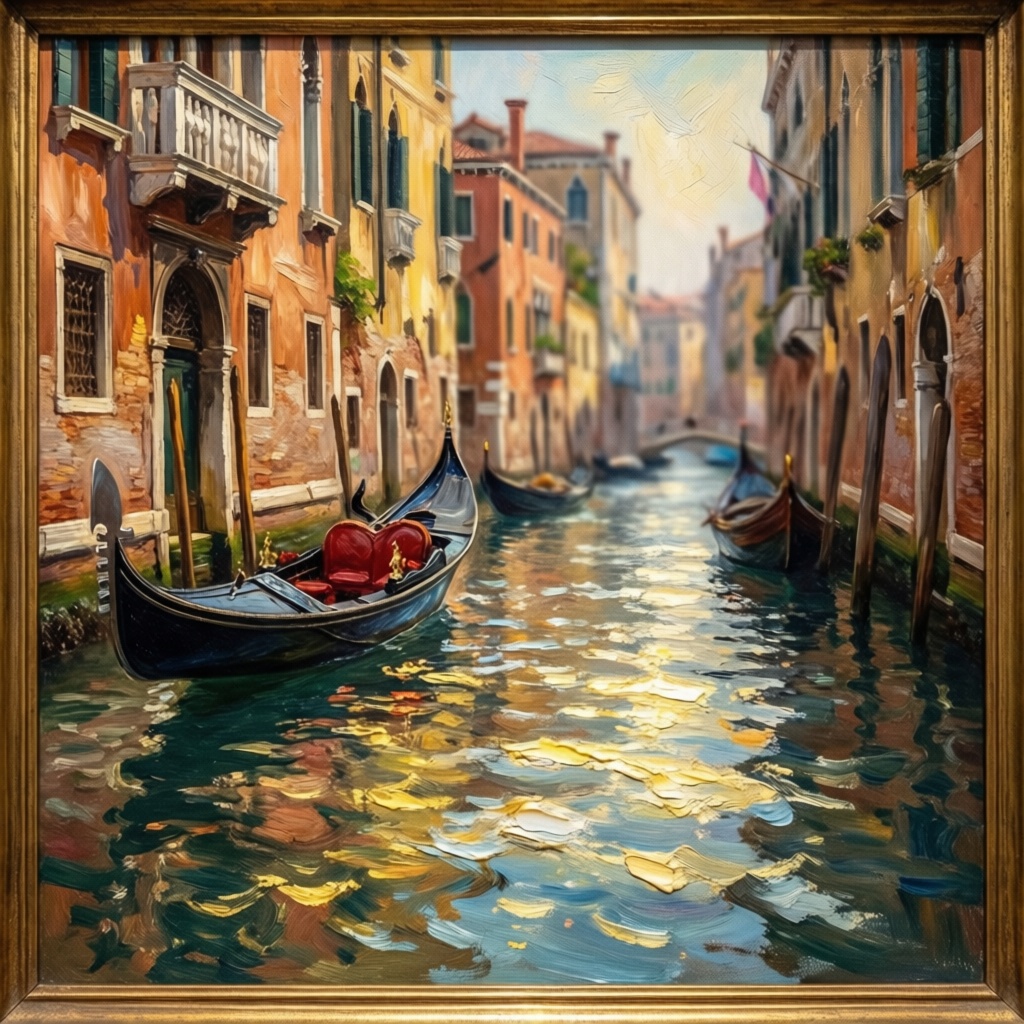
Venice canal scene in the style of John Singer Sargent, loose impressionistic brushwork capturing light dancing on water, gondolas in soft focus background, palazzo facades in warm terracotta and faded ochre. Oil painting texture, visible canvas weave, museum quality reproduction, gilt frame crop.

Lone motorcyclist stopped at abandoned gas station at dusk, removing helmet to reveal weathered face and grey hair, wanted poster with her younger face peeling off the wall behind her, dust storm approaching on the horizon. Coen Brothers Americana, Cormac McCarthy desolation, you can hear the silence, she's been running for decades.
Related Models
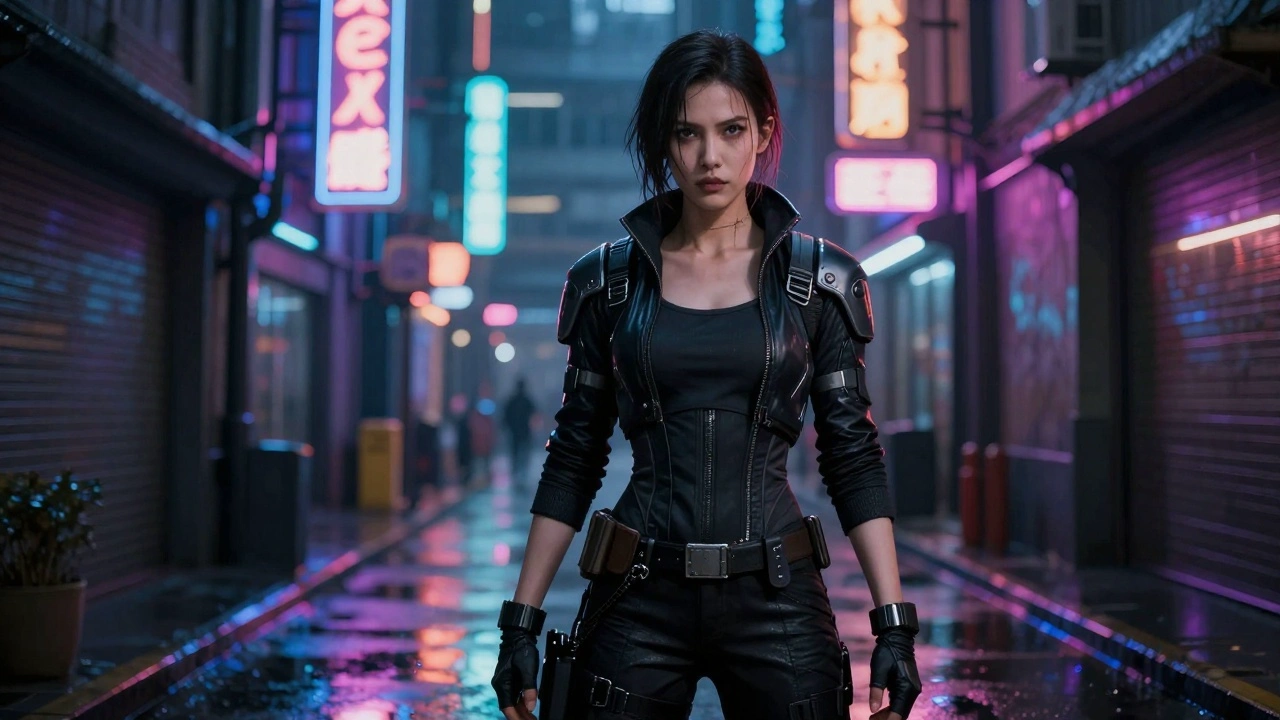
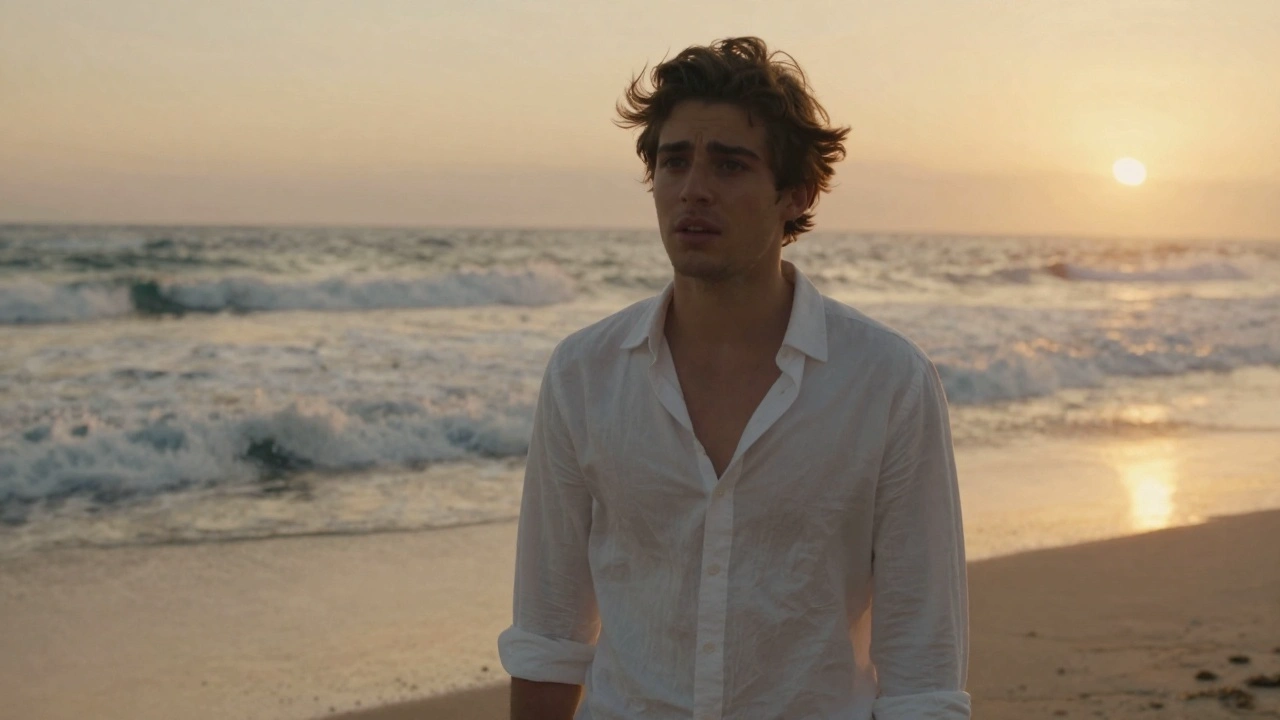


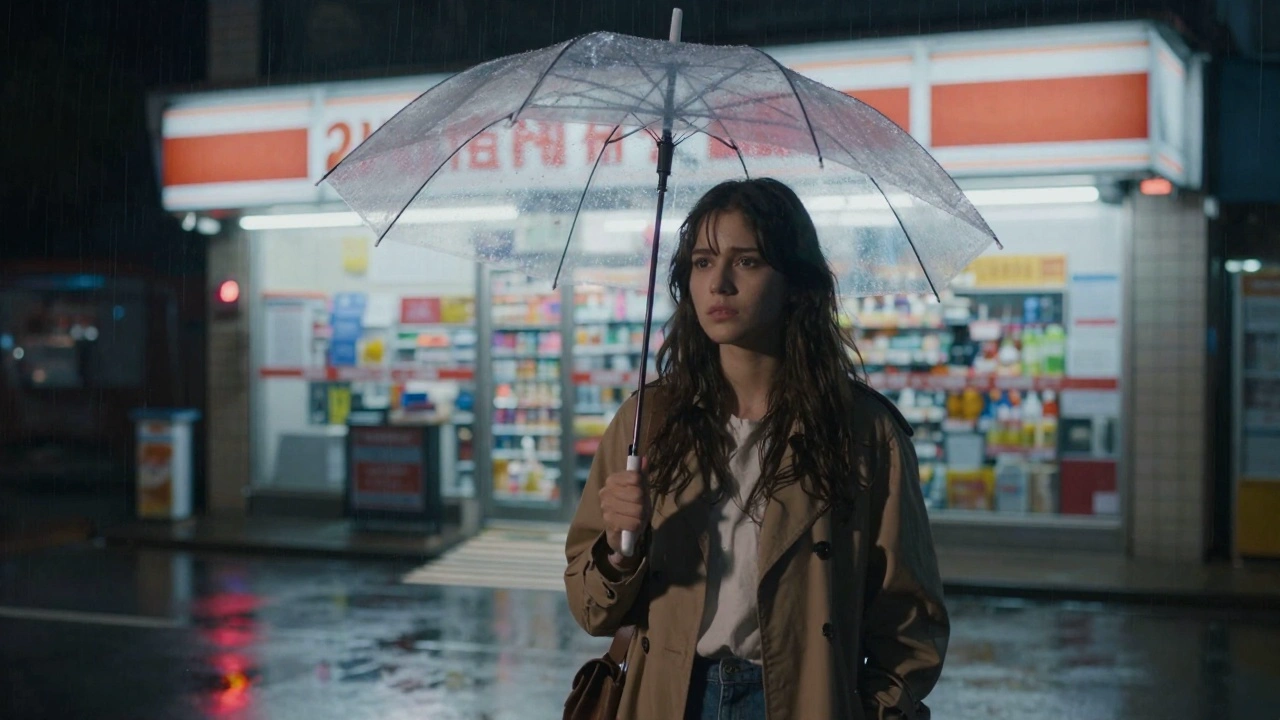
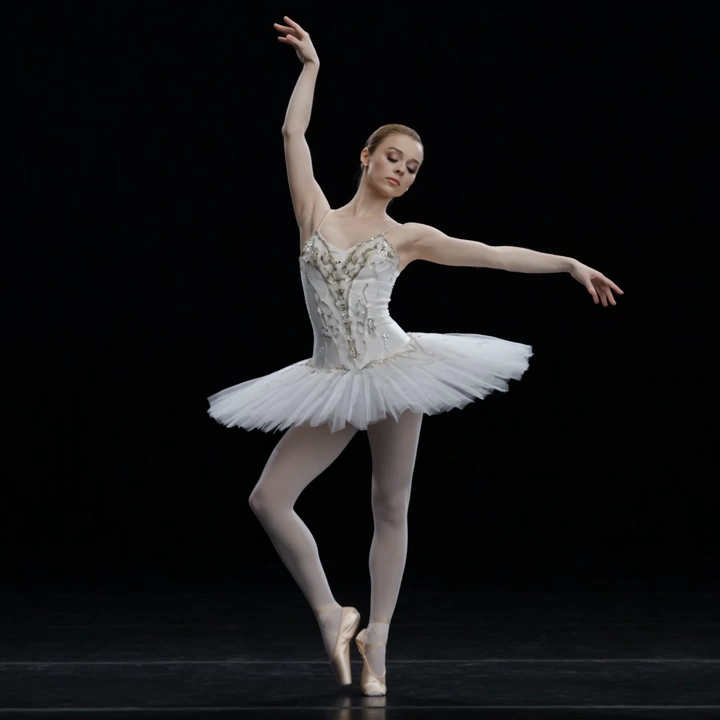
README
Qwen Image 2512
Qwen Image 2512 is latest text-to-image generation model from the Qwen AI family. It excels at understanding natural language prompts and producing high-quality images with exceptional text rendering capabilities — perfect for creating posters, signage, logos, and designs requiring readable text.
Why Choose This?
-
Superior text rendering Accurately generates legible text within images, including multiple languages, fonts, and layouts. Ideal for designs requiring readable text elements.
-
Enhanced prompt understanding Interprets complex, detailed prompts with better comprehension of subject relationships, spatial arrangements, and stylistic nuances.
-
Flexible sizing Supports custom width and height configurations for various use cases — social media, presentations, print, and web content.
-
Consistent quality across styles Produces high-quality results whether you're creating photorealistic images, illustrations, concept art, or abstract designs.
-
Prompt Enhancer Built-in tool to automatically improve your prompts for better generation results.
Parameters
| Parameter | Required | Description |
|---|---|---|
| prompt | Yes | Describe the image you want to create |
| width | No | Image width in pixels (default: 1024) |
| height | No | Image height in pixels (default: 1024) |
| seed | No | Random seed for reproducible results (-1 for random) |
| output_format | No | Output format: jpeg, png, or webp |
Output Format Options
- jpeg — Smaller file size, good for photos and web use
- png — Lossless quality, supports transparency, best for graphics with text
- webp — Modern format with better compression, good browser support
How to Use
- Write your prompt — describe the image you want, including style, composition, lighting, and mood.
- Adjust size — set width and height for your desired dimensions.
- Set seed — use -1 for random results, or specify a number for reproducibility.
- Choose output format — select jpeg, png, or webp based on your needs.
- Run — click Run, preview the result, and iterate if needed.
Pricing
| Item | Cost |
|---|---|
| Per image | $0.02 |
Simple flat-rate pricing regardless of image size.
Best Use Cases
- Marketing and Advertising — Create eye-catching visuals with text for ads, posters, and promotional materials.
- Social Media Content — Generate engaging images optimized for different platform formats.
- Product Design — Visualize concepts, mockups, and packaging designs with integrated text.
- Branding and Identity — Design logos, signage, and branded visuals with readable text elements.
- Editorial and Publishing — Produce illustrations, cover art, and visual content for articles.
Pro Tips
- Be specific in your prompts — include subject, style, lighting, camera angle, and atmosphere for best results.
- For text in images, explicitly specify the exact text, font style, and placement (e.g., "poster with the text SUMMER SALE in bold red letters at the top").
- Use the same seed with the same prompt to reproduce identical outputs.
- This model is specifically optimized for generating readable text within images.
Notes
- Please ensure your prompts comply with content guidelines. If an error occurs, review your prompt and try again.
Related Models
- Qwen Image Edit 2511 — Image editing model from the Qwen family for precise visual modifications.
- Qwen Image Edit Plus — Enhanced editing model with dual-mode editing and precise bilingual text editing.
- Qwen Image Edit 2511 LoRA — LoRA-enabled version for custom style and character fine-tuning.
Qwen Image Text To Image 2512 API — Quick start
Grab a WaveSpeedAI API key, then call POST https://api.wavespeed.ai/api/v3/wavespeed-ai/qwen-image/text-to-image-2512 with your input as JSON. The endpoint returns a prediction id. Start polling the result endpoint around every 2 seconds, increase the interval for long-running tasks, and stop on any terminal status. On completed, read output values from data.outputs. Examples for Qwen Image Text To Image 2512 below.
HTTP example
set -euo pipefail

: "${WAVESPEED_API_KEY:?Set WAVESPEED_API_KEY}"

REQUEST_BODY=$(cat <<'JSON'
{
    "prompt": "A cinematic shot of a city at sunset, soft golden light",
    "size": "1024*1024",
    "seed": -1,
    "output_format": "jpeg"
}
JSON
)

# 1. Submit the prediction.
SUBMIT_RESPONSE=$(curl --silent --show-error --fail-with-body \
  -X POST "https://api.wavespeed.ai/api/v3/wavespeed-ai/qwen-image/text-to-image-2512" \
  -H "Content-Type: application/json" \
  -H "Authorization: Bearer $WAVESPEED_API_KEY" \
  -d "$REQUEST_BODY")

TASK=$(printf '%s' "$SUBMIT_RESPONSE" | jq 'if has("data") then .data else . end')
PREDICTION_ID=$(printf '%s' "$TASK" | jq -r '.id')
if [ -z "$PREDICTION_ID" ] || [ "$PREDICTION_ID" = "null" ]; then
  printf 'Submission response did not contain a prediction id
' >&2
  exit 1
fi
RESULT_URL=$(printf '%s' "$TASK" | jq -r '.urls.get // empty')
if [ -z "$RESULT_URL" ]; then
  RESULT_URL="https://api.wavespeed.ai/api/v3/predictions/$PREDICTION_ID/result"
fi

# 2. Poll until the prediction finishes.
while true; do
  RESPONSE=$(curl --silent --show-error --fail-with-body "$RESULT_URL" \
    -H "Authorization: Bearer $WAVESPEED_API_KEY")
  RESULT=$(printf '%s' "$RESPONSE" | jq 'if has("data") then .data else . end')
  STATUS=$(printf '%s' "$RESULT" | jq -r '.status')
  case "$STATUS" in
    completed) printf '%s\n' "$RESULT" | jq '.outputs'; break ;;
    failed|cancelled|timeout) printf '%s\n' "$RESULT" | jq . >&2; exit 1 ;;
    created|processing) sleep 2 ;;
    *) printf 'Unexpected status: %s
' "$STATUS" >&2; exit 1 ;;
  esac
done
Node.js example
const submitUrl = "https://api.wavespeed.ai/api/v3/wavespeed-ai/qwen-image/text-to-image-2512";
const apiKey = process.env.WAVESPEED_API_KEY;
if (!apiKey) throw new Error('Set WAVESPEED_API_KEY');

async function requestJson(url, options = {}) {
  const response = await fetch(url, options);
  if (!response.ok) throw new Error(await response.text());
  return response.json();
}

// 1. Submit the prediction.
const body = await requestJson(submitUrl, {
  method: "POST",
  headers: {
    "Authorization": `Bearer ${apiKey}`,
    "Content-Type": "application/json",
  },
  body: JSON.stringify({
        "prompt": "A cinematic shot of a city at sunset, soft golden light",
        "size": "1024*1024",
        "seed": -1,
        "output_format": "jpeg"
}),
});
const task = body.data ?? body;
if (!task.id) throw new Error("Submission response did not contain a prediction id");
const resultUrl = task.urls?.get ||
  `https://api.wavespeed.ai/api/v3/predictions/${task.id}/result`;

// 2. Poll until the prediction finishes.
while (true) {
  const resultBody = await requestJson(resultUrl, {
    headers: { "Authorization": `Bearer ${apiKey}` },
  });
  const result = resultBody.data ?? resultBody;
  if (result.status === "completed") {
    console.log(result.outputs);
    break;
  }
  if (["failed", "cancelled", "timeout"].includes(result.status)) throw new Error(JSON.stringify(result));
  if (!["created", "processing"].includes(result.status)) throw new Error("Unexpected status: " + result.status);
  await new Promise(resolve => setTimeout(resolve, 2000));
}
Python example
import json
import os
import time
from urllib.request import Request, urlopen

api_key = os.environ["WAVESPEED_API_KEY"]
headers = {"Authorization": f"Bearer {api_key}", "Content-Type": "application/json"}
payload = {
    "prompt": "A cinematic shot of a city at sunset, soft golden light",
    "size": "1024*1024",
    "seed": -1,
    "output_format": "jpeg"
}

def request_json(url, data=None):
    request = Request(url, data=data, headers=headers, method="POST" if data else "GET")
    with urlopen(request) as response:
        return json.load(response)

# 1. Submit the prediction.
body = request_json("https://api.wavespeed.ai/api/v3/wavespeed-ai/qwen-image/text-to-image-2512", json.dumps(payload).encode())
task = body.get("data", body)
if not task.get("id"):
    raise RuntimeError("Submission response did not contain a prediction id")
result_url = task.get("urls", {}).get("get") or f"https://api.wavespeed.ai/api/v3/predictions/{task['id']}/result"

# 2. Poll until the prediction finishes.
while True:
    result_body = request_json(result_url)
    result = result_body.get("data", result_body)
    status = result.get("status")
    if status == "completed":
        print(result.get("outputs", []))
        break
    if status in {"failed", "cancelled", "timeout"}:
        raise RuntimeError(result)
    if status not in {"created", "processing"}:
        raise RuntimeError(f"Unexpected status: {status}")
    time.sleep(2)
Qwen Image Text To Image 2512 API — Frequently asked questions
What is the Qwen Image Text To Image 2512 API?
Qwen Image Text To Image 2512 is a WaveSpeedAI model for image generation, exposed as a REST API on WaveSpeedAI. Qwen Image 2512 is Qwen's latest text-to-image model with enhanced prompt understanding, superior text rendering, and versatile aspect ratio support. Ready-to-use REST inference API, best performance, no cold starts, affordable pricing. You can call it programmatically or try it from the playground above.
How do I call the Qwen Image Text To Image 2512 API?
POST your input parameters to the model's REST endpoint (shown in the API tab of this playground) with your WaveSpeedAI API key in the Authorization header. Submission returns a prediction ID. Poll the result endpoint starting around every 2 seconds, increase the interval for long-running tasks, and stop on any terminal status. The playground generates production-oriented Python, JavaScript, and cURL examples with timeouts, transient-error handling, and safe GET retries. Full request/response shape is documented at https://wavespeed.ai/docs/docs-api/wavespeed-ai/qwen-image-text-to-image-2512.
How much does Qwen Image Text To Image 2512 cost per run?
Qwen Image Text To Image 2512 starts at $0.020 per run. That figure is the base price — the final charge scales with the parameters you set in the form (output size, length, count, references, or whatever knobs this model exposes), so a higher-quality or larger output costs more than a minimal one. The exact cost for your current input is shown live next to the Generate button before you submit, and the actual per-call charge is recorded on the prediction afterwards.
What inputs does Qwen Image Text To Image 2512 accept?
Key inputs: `prompt`, `size`, `seed`, `enable_base64_output`, `enable_sync_mode`, `output_format`. The full JSON schema (types, defaults, allowed values) is rendered above the Generate button and mirrored in the API reference at https://wavespeed.ai/docs/docs-api/wavespeed-ai/qwen-image-text-to-image-2512.
How do I get started with the Qwen Image Text To Image 2512 API?
Sign up for a free WaveSpeedAI account to claim starter credits, copy your API key from /accesskey, then call the endpoint shown in the API tab of the playground. The playground also auto-generates a code sample in Python, JavaScript, or cURL for the parameters you've set.
Can I use Qwen Image Text To Image 2512 outputs commercially?
Commercial usage rights depend on the model's license, set by its provider (WaveSpeedAI). The license summary appears on the model card above; see WaveSpeedAI's Terms of Service for platform-level conditions.