Qwen Image 2.0 Pro is a professional-grade text-to-image model with superior quality and advanced prompt understanding. Up to 2k. Ready-to-use REST inference API, best performance, no coldstarts, affordable pricing.
Idle

$0.07per run·~14 / $1
ExamplesView all
A rectangular dinner table shot from above at 45 degrees. Seated around it are 8 people of different ethnicities, ages, and body types. The elderly American grandmother at the head is mid-laugh with her eyes squeezed shut. The toddler in a high chair to her left has spaghetti smeared across both cheeks and is reaching with both hands toward a glass of water. A teenage girl across the table is secretly showing her phone screen to the boy next to her under the table — their hands and the phone visible beneath the tablecloth. A bearded man is pouring wine, the liquid caught mid-pour in a perfect arc. Each person casts correct shadows from the overhead pendant lamp. The table has 8 distinct place settings with different amounts of food remaining on each plate.

A weathered bronze plaque mounted on a mossy stone wall that reads "FOUNDED 1847 — THE BROTHERHOOD OF ETERNAL WANDERERS" in deeply engraved serif lettering, with raindrops trickling down the letters, some letters partially obscured by creeping ivy

Extreme macro close-up of a single dewdrop on a spider web strand, inside the dewdrop is a perfectly refracted upside-down reflection of a vast mountain landscape with snow-capped peaks and a winding river valley, the spider silk shows individual fiber details, background is a soft bokeh sunrise

A detailed anatomical infographic of the human heart and blood circulation system. Cross-section view showing four chambers, valves, aorta, and pulmonary arteries. Clean medical illustration style with labeled arrows indicating oxygenated blood flow in red and deoxygenated blood flow in blue. White background, red and blue dual-tone color scheme. Vector flat design with clear annotations, directional arrows, and simplified yet anatomically accurate proportions.

A photorealistic interior design rendering of a Scandinavian minimalist living room. Open-plan layout with double-height ceiling and floor-to-ceiling windows allowing abundant natural light. Low-profile light oak sofa with off-white linen cushions, round marble coffee table, and a single statement Arco floor lamp. Built-in wall shelving with curated ceramics and potted monstera. Pale birch hardwood flooring with a hand-woven ivory wool rug. Neutral palette of warm whites, soft grays, and natural wood tones. Shot from a 3/4 perspective at eye level, architectural photography style with soft diffused lighting, 35mm wide-angle lens, shallow depth of field focusing on the seating area.
Related Models
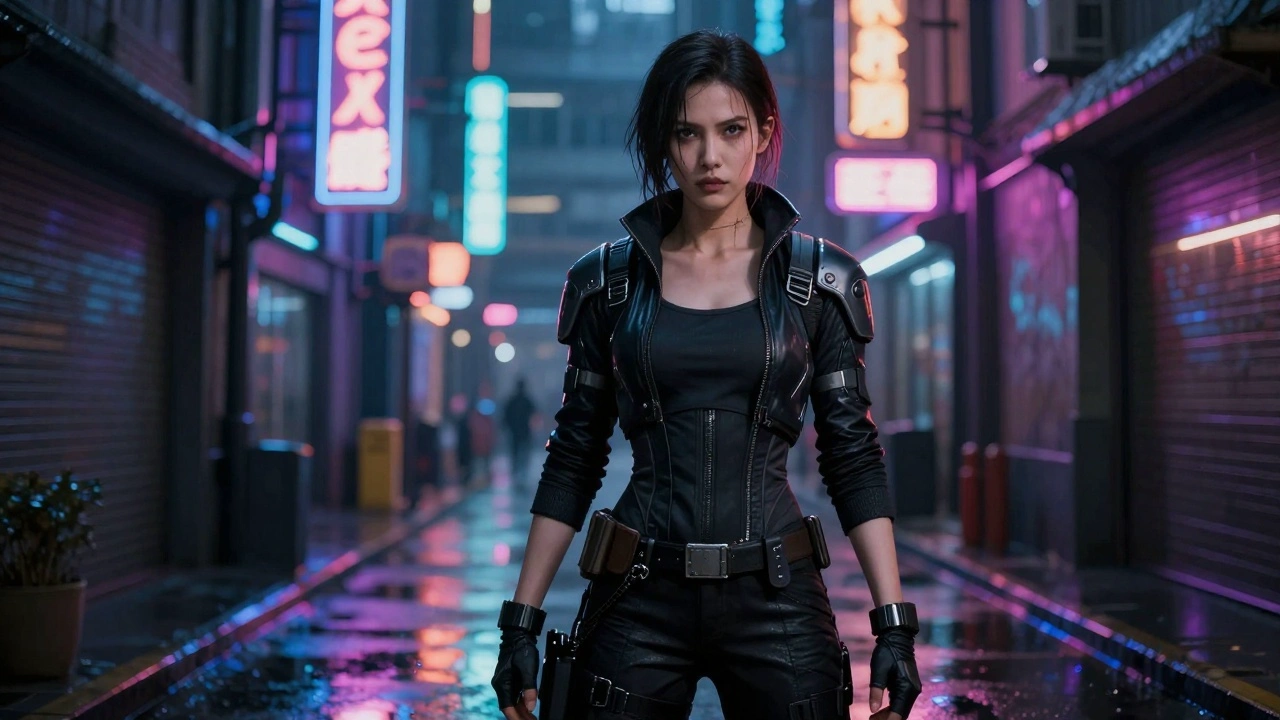
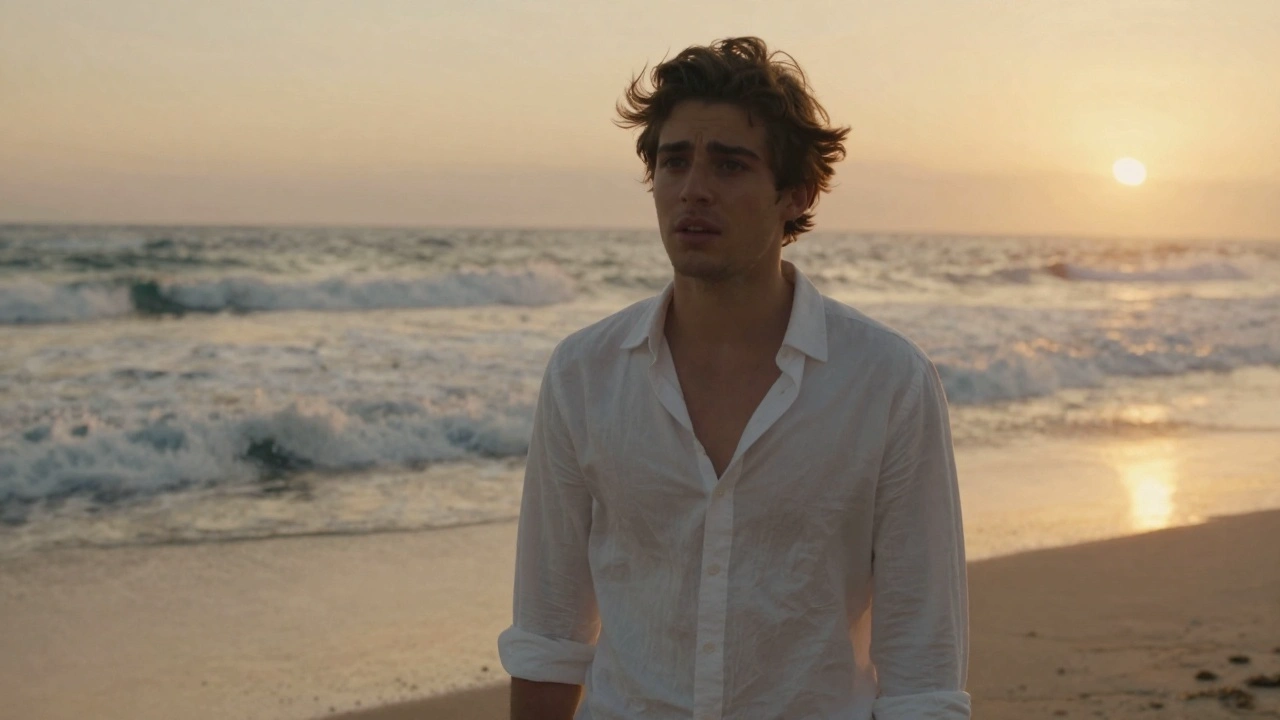



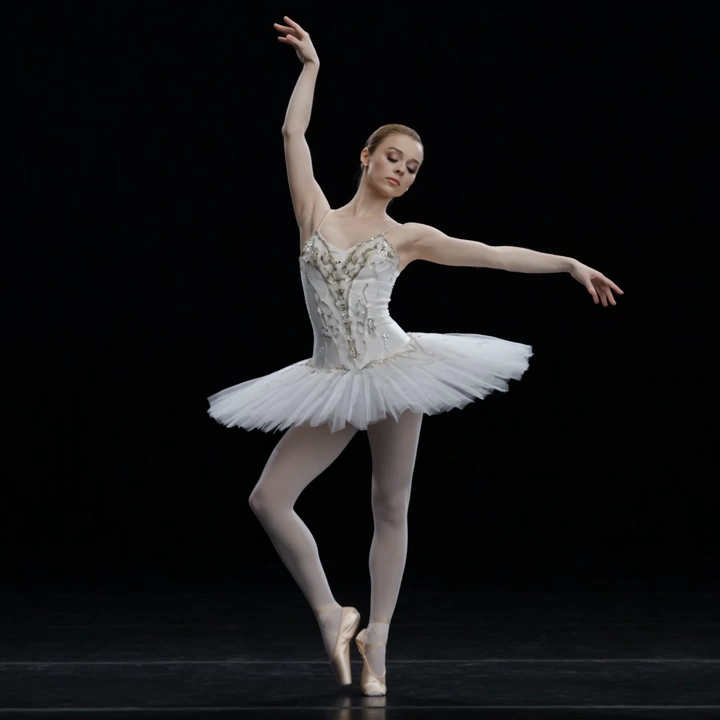
README
Qwen Image 2.0 Pro Text-to-Image
Qwen Image 2.0 Pro is premium text-to-image model, delivering the highest quality output in the Qwen Image 2.0 family. With superior detail rendering, enhanced prompt adherence, and professional-grade visual fidelity, it's ideal for production work requiring maximum quality.
Why Choose This?
-
Pro-tier quality Maximum visual fidelity and detail in the Qwen Image 2.0 family.
-
Superior prompt adherence Best-in-class at following detailed, complex prompts with multiple elements and attributes.
-
Enhanced detail rendering Exceptional at rendering intricate details like hair textures, jewelry, skin tones, and fabric.
-
Flexible aspect ratios Multiple presets including 1:1, 16:9, 9:16, 4:3, 3:4, 3:2, and 2:3.
-
Custom resolution Adjustable width and height from 256 to 2048 pixels.
-
Prompt Enhancer Built-in tool to automatically improve your descriptions.
Parameters
| Parameter | Required | Description |
|---|---|---|
| prompt | Yes | Text description of the desired image |
| size | No | Aspect ratio preset: 1:1, 16:9, 9:16, 4:3, 3:4, 3:2, 2:3 |
| width | No | Custom width in pixels (range: 256–2048) |
| height | No | Custom height in pixels (range: 256–2048) |
| seed | No | Random seed for reproducibility (-1 for random) |
How to Use
- Write your prompt — describe the image in detail, including specific attributes, styles, and elements.
- Choose size — select a preset aspect ratio or customize width/height.
- Use Prompt Enhancer (optional) — click to automatically refine your description.
- Set seed (optional) — for reproducible results.
- Run — submit and download your generated image.
Pricing
| Output | Cost |
|---|---|
| Per image | $0.07 |
Best Use Cases
- Professional Production — High-end visuals requiring maximum quality.
- Detailed Character Art — Generate characters with specific attributes and fine details.
- Portrait Photography — Create photorealistic portraits with exceptional detail.
- Fashion & Beauty — Visualize outfits, hairstyles, makeup, and jewelry with precision.
- Commercial & Advertising — Premium imagery for marketing and brand campaigns.
Pro Tips
- Use highly detailed prompts — the Pro model excels at following complex descriptions with multiple attributes.
- Describe specific details like "waist-length loc'd hair," "gold thread," "cowrie shells," or "blue beads" for precise rendering.
- Include motion and pose descriptions for dynamic images (e.g., "caught mid-spin in a dance").
- Pro tier is recommended for final production work where quality is paramount.
- Use the standard Qwen Image 2.0 for iterations, then switch to Pro for final renders.
Notes
- Prompt is the only required field.
- Resolution range: 256–2048 pixels for both width and height.
- Default size is 1:1.
- Ensure your prompts comply with content guidelines.
Related Models
- Qwen Image 2.0 Text-to-Image — Standard tier at lower cost.
- Qwen Image Edit Plus — Image editing with text instructions.
- Recraft V4 Pro Text-to-Image — Pro tier design-focused generation.
Qwen Image 2.0 Pro Text To Image API — Quick start
Grab a WaveSpeedAI API key, then call POST https://api.wavespeed.ai/api/v3/wavespeed-ai/qwen-image-2.0-pro/text-to-image with your input as JSON. The endpoint returns a prediction id. Start polling the result endpoint around every 2 seconds, increase the interval for long-running tasks, and stop on any terminal status. On completed, read output values from data.outputs. Examples for Qwen Image 2.0 Pro Text To Image below.
HTTP example
set -euo pipefail

: "${WAVESPEED_API_KEY:?Set WAVESPEED_API_KEY}"

REQUEST_BODY=$(cat <<'JSON'
{
    "prompt": "A cinematic shot of a city at sunset, soft golden light",
    "size": "1024*1024",
    "seed": -1
}
JSON
)

# 1. Submit the prediction.
SUBMIT_RESPONSE=$(curl --silent --show-error --fail-with-body \
  -X POST "https://api.wavespeed.ai/api/v3/wavespeed-ai/qwen-image-2.0-pro/text-to-image" \
  -H "Content-Type: application/json" \
  -H "Authorization: Bearer $WAVESPEED_API_KEY" \
  -d "$REQUEST_BODY")

TASK=$(printf '%s' "$SUBMIT_RESPONSE" | jq 'if has("data") then .data else . end')
PREDICTION_ID=$(printf '%s' "$TASK" | jq -r '.id')
if [ -z "$PREDICTION_ID" ] || [ "$PREDICTION_ID" = "null" ]; then
  printf 'Submission response did not contain a prediction id
' >&2
  exit 1
fi
RESULT_URL=$(printf '%s' "$TASK" | jq -r '.urls.get // empty')
if [ -z "$RESULT_URL" ]; then
  RESULT_URL="https://api.wavespeed.ai/api/v3/predictions/$PREDICTION_ID/result"
fi

# 2. Poll until the prediction finishes.
while true; do
  RESPONSE=$(curl --silent --show-error --fail-with-body "$RESULT_URL" \
    -H "Authorization: Bearer $WAVESPEED_API_KEY")
  RESULT=$(printf '%s' "$RESPONSE" | jq 'if has("data") then .data else . end')
  STATUS=$(printf '%s' "$RESULT" | jq -r '.status')
  case "$STATUS" in
    completed) printf '%s\n' "$RESULT" | jq '.outputs'; break ;;
    failed|cancelled|timeout) printf '%s\n' "$RESULT" | jq . >&2; exit 1 ;;
    created|processing) sleep 2 ;;
    *) printf 'Unexpected status: %s
' "$STATUS" >&2; exit 1 ;;
  esac
done
Node.js example
const submitUrl = "https://api.wavespeed.ai/api/v3/wavespeed-ai/qwen-image-2.0-pro/text-to-image";
const apiKey = process.env.WAVESPEED_API_KEY;
if (!apiKey) throw new Error('Set WAVESPEED_API_KEY');

async function requestJson(url, options = {}) {
  const response = await fetch(url, options);
  if (!response.ok) throw new Error(await response.text());
  return response.json();
}

// 1. Submit the prediction.
const body = await requestJson(submitUrl, {
  method: "POST",
  headers: {
    "Authorization": `Bearer ${apiKey}`,
    "Content-Type": "application/json",
  },
  body: JSON.stringify({
        "prompt": "A cinematic shot of a city at sunset, soft golden light",
        "size": "1024*1024",
        "seed": -1
}),
});
const task = body.data ?? body;
if (!task.id) throw new Error("Submission response did not contain a prediction id");
const resultUrl = task.urls?.get ||
  `https://api.wavespeed.ai/api/v3/predictions/${task.id}/result`;

// 2. Poll until the prediction finishes.
while (true) {
  const resultBody = await requestJson(resultUrl, {
    headers: { "Authorization": `Bearer ${apiKey}` },
  });
  const result = resultBody.data ?? resultBody;
  if (result.status === "completed") {
    console.log(result.outputs);
    break;
  }
  if (["failed", "cancelled", "timeout"].includes(result.status)) throw new Error(JSON.stringify(result));
  if (!["created", "processing"].includes(result.status)) throw new Error("Unexpected status: " + result.status);
  await new Promise(resolve => setTimeout(resolve, 2000));
}
Python example
import json
import os
import time
from urllib.request import Request, urlopen

api_key = os.environ["WAVESPEED_API_KEY"]
headers = {"Authorization": f"Bearer {api_key}", "Content-Type": "application/json"}
payload = {
    "prompt": "A cinematic shot of a city at sunset, soft golden light",
    "size": "1024*1024",
    "seed": -1
}

def request_json(url, data=None):
    request = Request(url, data=data, headers=headers, method="POST" if data else "GET")
    with urlopen(request) as response:
        return json.load(response)

# 1. Submit the prediction.
body = request_json("https://api.wavespeed.ai/api/v3/wavespeed-ai/qwen-image-2.0-pro/text-to-image", json.dumps(payload).encode())
task = body.get("data", body)
if not task.get("id"):
    raise RuntimeError("Submission response did not contain a prediction id")
result_url = task.get("urls", {}).get("get") or f"https://api.wavespeed.ai/api/v3/predictions/{task['id']}/result"

# 2. Poll until the prediction finishes.
while True:
    result_body = request_json(result_url)
    result = result_body.get("data", result_body)
    status = result.get("status")
    if status == "completed":
        print(result.get("outputs", []))
        break
    if status in {"failed", "cancelled", "timeout"}:
        raise RuntimeError(result)
    if status not in {"created", "processing"}:
        raise RuntimeError(f"Unexpected status: {status}")
    time.sleep(2)
Qwen Image 2.0 Pro Text To Image API — Frequently asked questions
What is the Qwen Image 2.0 Pro Text To Image API?
Qwen Image 2.0 Pro Text To Image is a WaveSpeedAI model for image generation, exposed as a REST API on WaveSpeedAI. Qwen Image 2.0 Pro is a professional-grade text-to-image model with superior quality and advanced prompt understanding. Up to 2k. Ready-to-use REST inference API, best performance, no coldstarts, affordable pricing. You can call it programmatically or try it from the playground above.
How do I call the Qwen Image 2.0 Pro Text To Image API?
POST your input parameters to the model's REST endpoint (shown in the API tab of this playground) with your WaveSpeedAI API key in the Authorization header. Submission returns a prediction ID. Poll the result endpoint starting around every 2 seconds, increase the interval for long-running tasks, and stop on any terminal status. The playground generates production-oriented Python, JavaScript, and cURL examples with timeouts, transient-error handling, and safe GET retries. Full request/response shape is documented at https://wavespeed.ai/docs/docs-api/wavespeed-ai/qwen-image-2.0-pro-text-to-image.
How much does Qwen Image 2.0 Pro Text To Image cost per run?
Qwen Image 2.0 Pro Text To Image starts at $0.070 per run. That figure is the base price — the final charge scales with the parameters you set in the form (output size, length, count, references, or whatever knobs this model exposes), so a higher-quality or larger output costs more than a minimal one. The exact cost for your current input is shown live next to the Generate button before you submit, and the actual per-call charge is recorded on the prediction afterwards.
What inputs does Qwen Image 2.0 Pro Text To Image accept?
Key inputs: `prompt`, `size`, `seed`. The full JSON schema (types, defaults, allowed values) is rendered above the Generate button and mirrored in the API reference at https://wavespeed.ai/docs/docs-api/wavespeed-ai/qwen-image-2.0-pro-text-to-image.
How do I get started with the Qwen Image 2.0 Pro Text To Image API?
Sign up for a free WaveSpeedAI account to claim starter credits, copy your API key from /accesskey, then call the endpoint shown in the API tab of the playground. The playground also auto-generates a code sample in Python, JavaScript, or cURL for the parameters you've set.
Can I use Qwen Image 2.0 Pro Text To Image outputs commercially?
Commercial usage rights depend on the model's license, set by its provider (WaveSpeedAI). The license summary appears on the model card above; see WaveSpeedAI's Terms of Service for platform-level conditions.