GPT Image 1.5 Edit is OpenAI’s image model for precise, natural-language edits. Add/remove objects, swap backgrounds, retouch faces, adjust colors/lighting, edit text/graphics, crop/resize, and apply hex color control. Ready-to-use REST inference API, best performance, no coldstarts, affordable pricing.
Idle

$0.1per run·~10 / $1
ExamplesView all
Change the background to the snowy night.

Make the desktop tidy

Transform this painting into a Japanese manga style

Replace the phone in the picture with headphones.

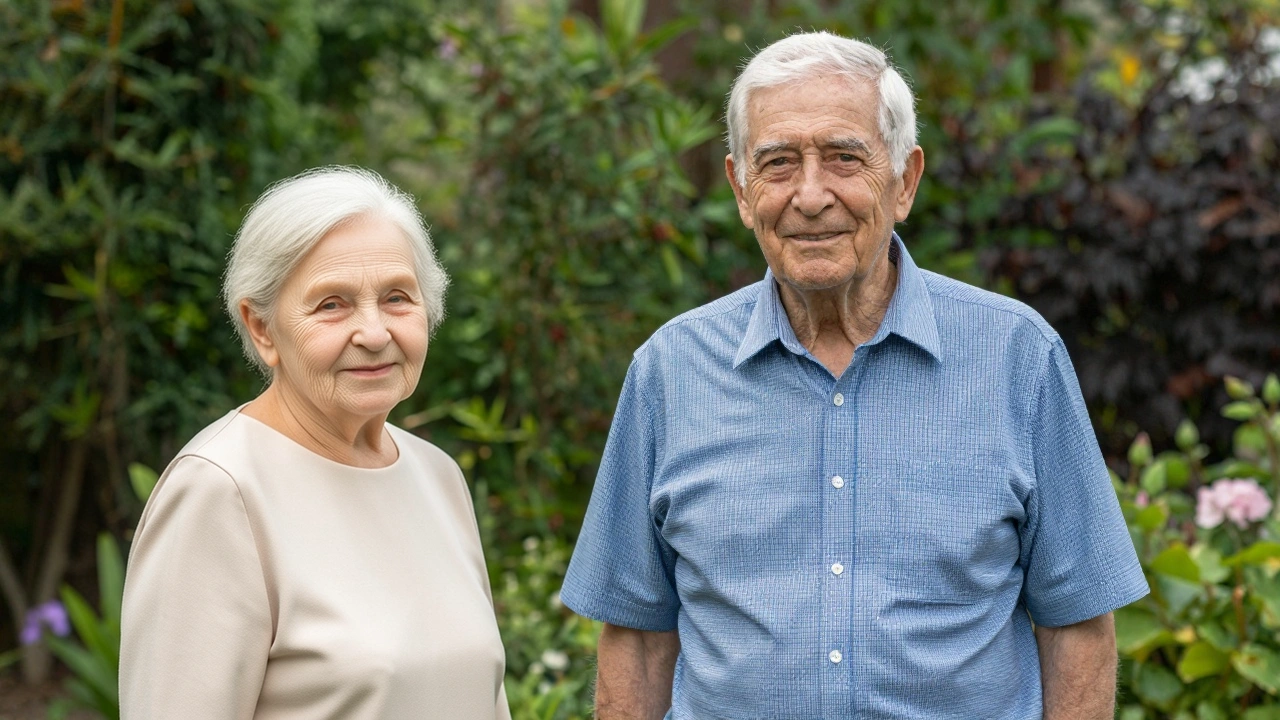
Have the people in picture one and picture two take a photo together.
Related Models





README
OpenAI GPT Image 1.5 Edit
GPT Image 1.5 Edit is a cost-efficient image editing model powered by OpenAI’s GPT image technology. It enables users to refine, modify, or transform existing images using natural language instructions, while maintaining the original style, composition, and visual integrity.
🌟 Key Features
-
🧠 Strong Visual Understanding Understands complex textual instructions and applies targeted edits that match intent and context.
-
🎨 Intelligent Image Editing Add, remove, or modify elements in an image with precision — from subtle adjustments to full stylistic transformations.
-
🖼 Multi-Image Support Accepts one or more image inputs to guide the edit or style reference process.
-
💡 Context-Aware Refinement Preserves the key artistic or photographic features (lighting, tone, pose) while applying changes only where needed.
-
💰 Efficient and Accessible Professional-quality visual editing at low cost, ideal for rapid prototyping, design iteration, or creative workflows.
⚙️ Parameters
| Parameter | Description |
|---|---|
| prompt* | Describe how you want to edit or modify the image (e.g., “change outfit colors to pastel tones, add neon city lights in the background”). |
| images* | Upload one or more reference images (JPG / PNG) to be edited or used as visual input. |
| quality | Output quality tier: low / medium / high. |
| input_fidelity | Which allows you to better preserve details from the input images in the output. This is especially useful when using images that contain elements like faces or logos that require accurate preservation in the generated image. |
| size | Output size: auto (default), 1024×1024, 1024×1536, or 1536×1024. |
💡 Example Prompt
Three fashionable young women in a nighttime urban scene, showcasing Y2K and streetwear aesthetics. Each has distinct styling: plaid shirt with ripped jeans, off-shoulder top with retro socks and chunky sneakers, crop top with cowboy boots and accessories. Enhance lighting and color balance for a cinematic look.
💰 Pricing
Reference table (total_price per image edit):
| Quality | auto | 1024×1024 | 1024×1536 | 1536×1024 |
|---|---|---|---|---|
| low | $0.07 | $0.07 | $0.07 | $0.07 |
| medium | $0.12 | $0.10 | $0.12 | $0.12 |
| high | $0.30 | $0.20 | $0.30 | $0.30 |
Use Cases
- Product & Fashion Editing — Adjust outfits, lighting, or background for catalog or campaign visuals.
- UI/UX & Brand Design — Apply aesthetic refinements to mockups or visual assets.
- Creative Direction — Evolve photo concepts while preserving original mood and framing.
- Photography & Illustration — Fix, enhance, or restyle images using natural text prompts.
Gpt Image 1.5 Edit API — Quick start
Grab a WaveSpeedAI API key, then call POST https://api.wavespeed.ai/api/v3/openai/gpt-image-1.5/edit with your input as JSON. The endpoint returns a prediction id; poll the prediction endpoint until status flips to completed, then read the output URL from data.outputs[0]. Examples for Gpt Image 1.5 Edit below.
HTTP example
# Submit the prediction
curl -X POST "https://api.wavespeed.ai/api/v3/openai/gpt-image-1.5/edit" \
  -H "Content-Type: application/json" \
  -H "Authorization: Bearer $WAVESPEED_API_KEY" \
  -d '{
    "prompt": "A cinematic shot of a city at sunset, soft golden light",
    "size": "auto",
    "background": "opaque",
    "quality": "medium",
    "input_fidelity": "high",
    "output_format": "jpeg",
    "enable_sync_mode": false,
    "enable_base64_output": false
}'

# Response includes a prediction id. Poll for the result:
curl -X GET "https://api.wavespeed.ai/api/v3/predictions/{request_id}/result" \
  -H "Authorization: Bearer $WAVESPEED_API_KEY"

# When status is "completed", read the output from data.outputs[0].
Node.js example
// npm install wavespeed
const WaveSpeed = require('wavespeed');

const client = new WaveSpeed(); // reads WAVESPEED_API_KEY from env

const result = await client.run("openai/gpt-image-1.5/edit", {
        "prompt": "A cinematic shot of a city at sunset, soft golden light",
        "size": "auto",
        "background": "opaque",
        "quality": "medium",
        "input_fidelity": "high",
        "output_format": "jpeg",
        "enable_sync_mode": false,
        "enable_base64_output": false
});

console.log(result.outputs[0]); // → URL of the generated output
Python example
# pip install wavespeed
import wavespeed

output = wavespeed.run(
    "openai/gpt-image-1.5/edit",
    {
    "prompt": "A cinematic shot of a city at sunset, soft golden light",
    "size": "auto",
    "background": "opaque",
    "quality": "medium",
    "input_fidelity": "high",
    "output_format": "jpeg",
    "enable_sync_mode": false,
    "enable_base64_output": false
}
)

print(output["outputs"][0])  # → URL of the generated output
Gpt Image 1.5 Edit API — Frequently asked questions
What is the Gpt Image 1.5 Edit API?
Gpt Image 1.5 Edit is a OpenAI model for image editing, exposed as a REST API on WaveSpeedAI. GPT Image 1.5 Edit is OpenAI’s image model for precise, natural-language edits. Add/remove objects, swap backgrounds, retouch faces, adjust colors/lighting, edit text/graphics, crop/resize, and apply hex color control. Ready-to-use REST inference API, best performance, no coldstarts, affordable pricing. You can call it programmatically or try it from the playground above.
How do I call the Gpt Image 1.5 Edit API?
POST your input parameters to the model's REST endpoint (shown in the API tab of this playground) with your WaveSpeedAI API key in the Authorization header. Submission returns a prediction ID; poll the prediction endpoint until status flips to "completed", then read the output URL from the result. The playground generates a ready-to-paste code sample in Python, JavaScript, or cURL for whatever inputs you've set. Full request/response shape is documented at https://wavespeed.ai/docs/docs-api/openai/openai-gpt-image-1.5-edit.
How much does Gpt Image 1.5 Edit cost per run?
Gpt Image 1.5 Edit starts at $0.10 per run. That figure is the base price — the final charge scales with the parameters you set in the form (output size, length, count, references, or whatever knobs this model exposes), so a higher-quality or larger output costs more than a minimal one. The exact cost for your current input is shown live next to the Generate button before you submit, and the actual per-call charge is recorded on the prediction afterwards.
What inputs does Gpt Image 1.5 Edit accept?
Key inputs: `prompt`, `images`, `size`, `background`, `enable_base64_output`, `enable_sync_mode`. The full JSON schema (types, defaults, allowed values) is rendered above the Generate button and mirrored in the API reference at https://wavespeed.ai/docs/docs-api/openai/openai-gpt-image-1.5-edit.
How do I get started with the Gpt Image 1.5 Edit API?
Sign up for a free WaveSpeedAI account to claim starter credits, copy your API key from /accesskey, then call the endpoint shown in the API tab of the playground. The playground also auto-generates a code sample in Python, JavaScript, or cURL for the parameters you've set.
Can I use Gpt Image 1.5 Edit outputs commercially?
Commercial usage rights depend on the model's license, set by its provider (OpenAI). The license summary appears on the model card above; see WaveSpeedAI's Terms of Service for platform-level conditions.