Kling 1.6 Multi Pro boosts image-to-video generation by 195% vs Kling 1.5, with improved prompt understanding, physics and visuals. Ready-to-use REST inference API, best performance, no coldstarts, affordable pricing.
Idle
$0.45per run·~22 / $10
ExamplesView all
breathtaking mountain landscape at sunrise, golden light spilling over snowy peaks, clouds drifting slowly across the sky, river flowing gently in the valley, camera panning smoothly from left to right, ultra high resolution, vibrant colors, cinematic atmosphere
Luxury sports car driving along a coastal highway during golden hour, waves crashing against cliffs, aerial drone shot transitioning to low-angle tracking, sunlight flares across the lens, ultra crisp detail, commercial film look
Mountain valley at dawn, mist drifting over pine trees, a wild white horse galloping across the meadow, sunlight breaking through clouds, camera slowly dollying forward, soft focus on foreground flowers, cinematic 4K with warm golden tones
Anime-style magical forest at twilight, cute girl in a flowing dress holding a glowing lantern, walking over a wooden bridge as fireflies fly around, camera gently panning upward to reveal the night sky full of stars, vibrant colors, Ghibli-inspired art style
Urban street in Tokyo at sunset, young woman with long black hair wearing a white trench coat and holding a coffee cup, walking forward with hair swaying in the wind, neon signs reflecting on wet pavement, smooth camera tracking from the side, cinematic lighting, 4K ultra-realistic
ultra detailed cyberpunk city at night, neon lights reflecting on wet streets, flying cars zooming past, holographic billboards flickering, camera slowly tracking forward through the bustling street, people in futuristic outfits walking by, cinematic lighting, high contrast shadows, dynamic depth of field
a young woman in a flowing white dress walking through a field of blooming lavender, petals drifting in the wind, soft sunlight filtering through the clouds, camera following from behind with gentle dolly movement, pastel tones, dreamy cinematic mood
majestic lion walking slowly across the savannah at golden hour, wind blowing through its mane, dust swirling in the background, camera following at low angle, ultra detailed fur texture, warm color grading, realistic natural sound atmosphere
couple walking hand in hand under an umbrella on a rainy Paris street, reflections of street lamps in puddles, camera slowly tracking from behind, raindrops hitting the umbrella surface, warm golden glow, gentle slow motion, cinematic romantic lighting
aerial drone shot flying over a city skyline at dawn, soft golden light reflecting off skyscraper windows, morning fog slowly clearing, cars starting to move on the streets below, smooth forward motion, high dynamic range urban cinematic look
Related Models



README
Kling V1.6 Multi-Image-to-Video Pro
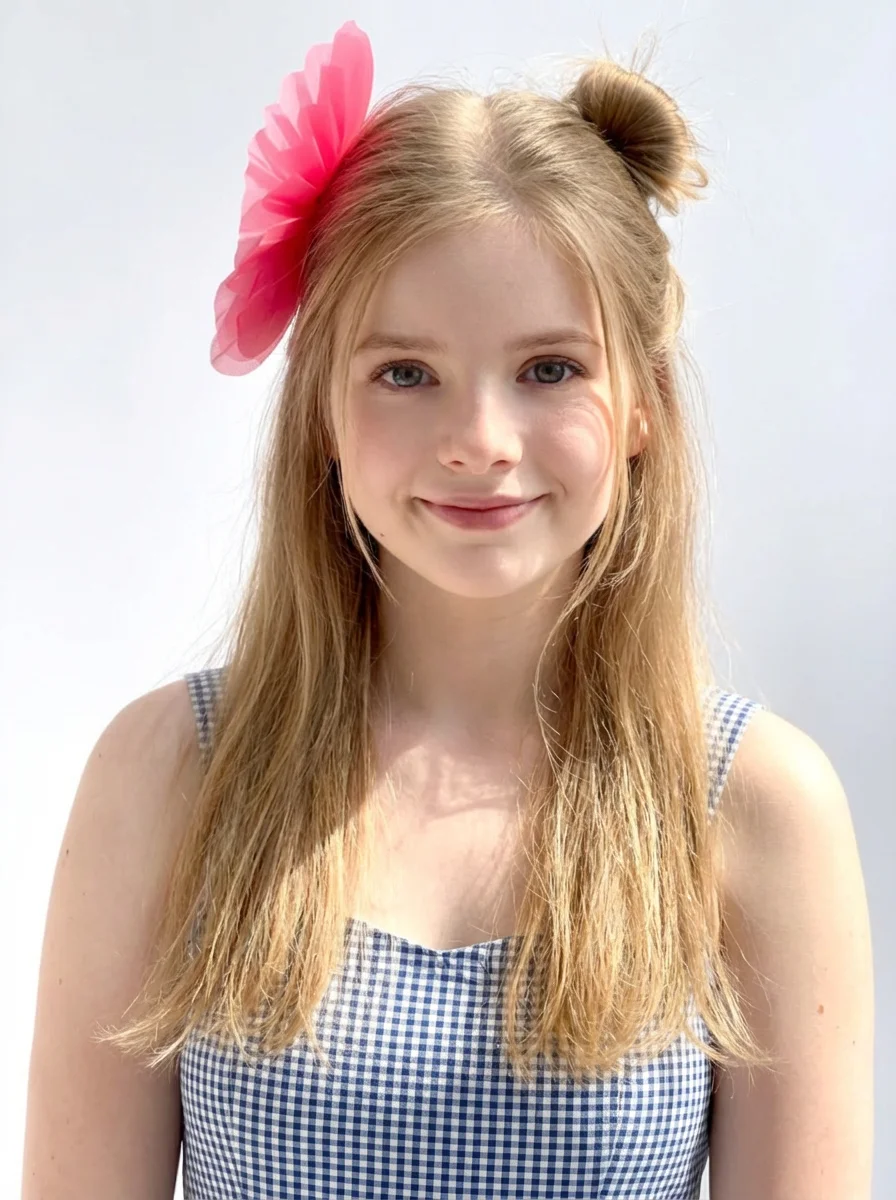
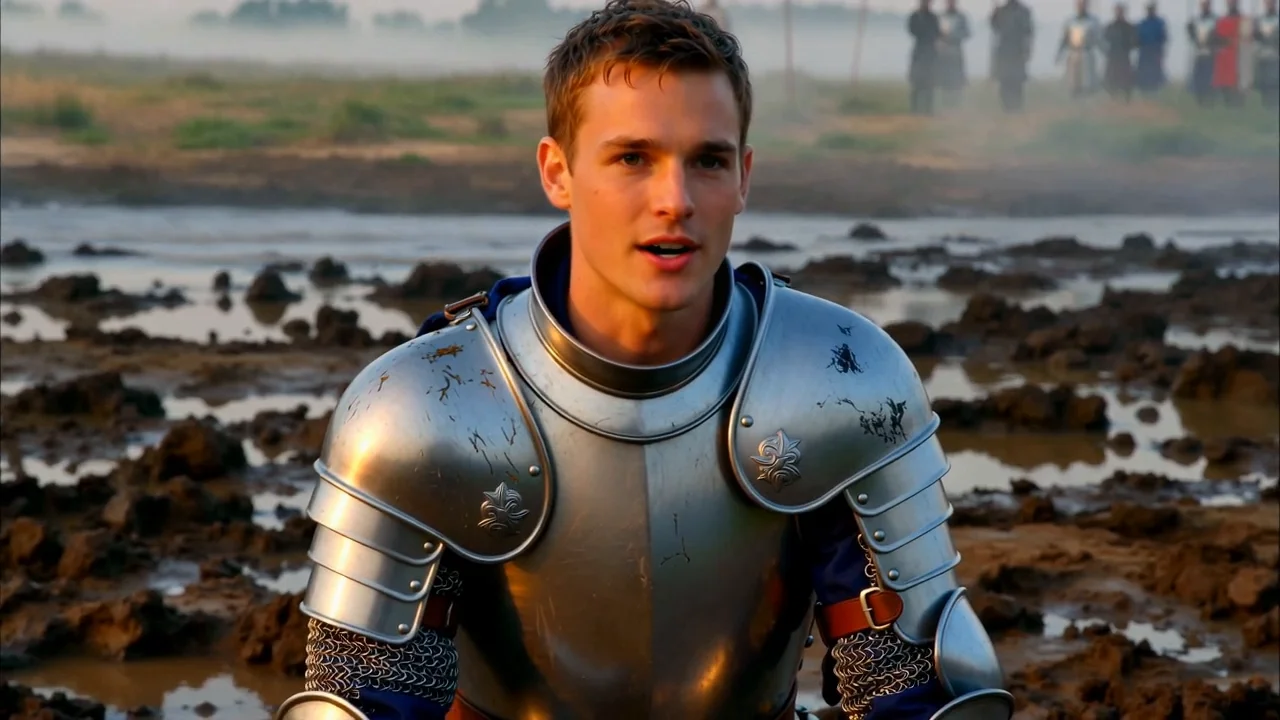
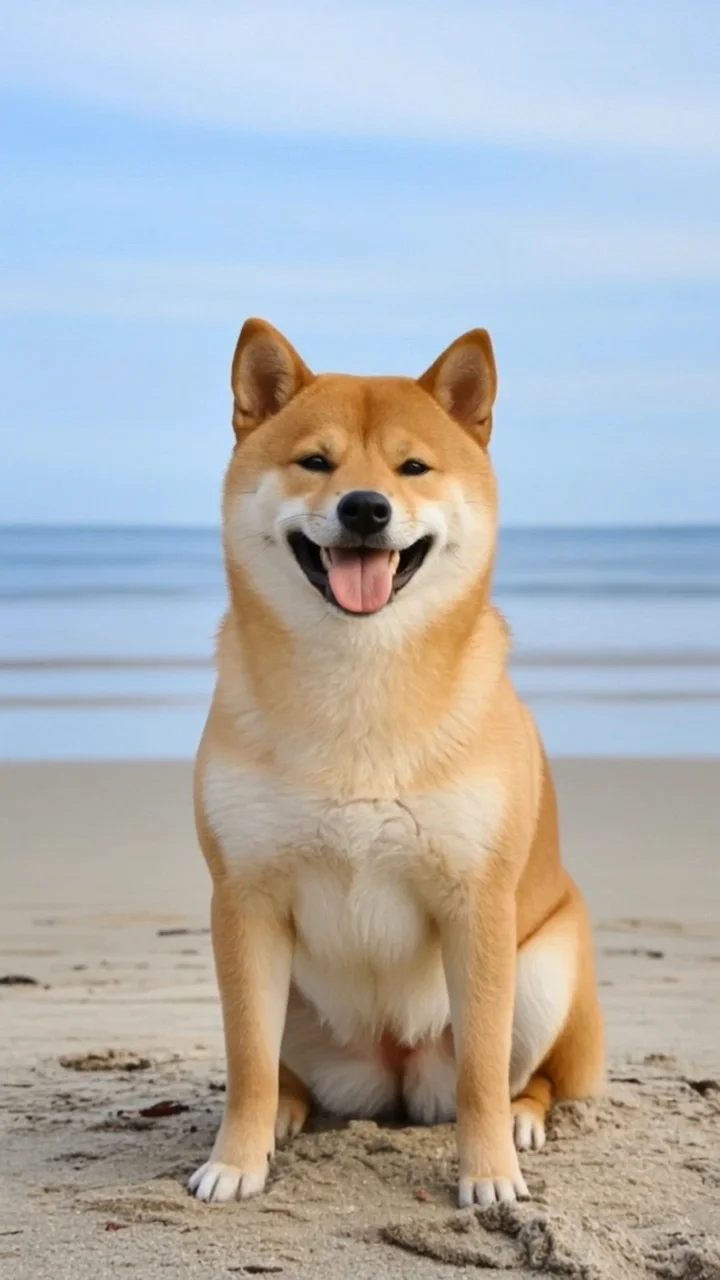
Kling V1.6 Multi-Image-to-Video Pro is Kuaishou's advanced multi-image-to-video generation model that creates stunning videos from multiple reference images. Upload up to 4 images, describe the motion you want, and generate cinematic videos that blend and animate your source images seamlessly.
Why It Stands Out
- Multi-image input: Use up to 4 reference images for richer, more complex video generation.
- Pro-level quality: Premium output with exceptional detail and motion coherence.
- Prompt-guided motion: Describe camera movements, actions, and transitions.
- Negative prompt support: Exclude unwanted elements for cleaner outputs.
- Flexible aspect ratios: Choose from 16:9, 9:16, 1:1 to fit any platform.
- Commercial-grade output: Professional quality suitable for ads and branded content.
Parameters
| Parameter | Required | Description |
|---|---|---|
| prompt | No | Text description of desired motion and style. |
| negative_prompt | No | Elements to avoid in the output. |
| images | Yes | Reference images to animate (1–4 images, upload or public URL). |
| duration | No | Video length: 5 or 10 seconds (default: 5). |
| aspect_ratio | No | Output aspect ratio: 16:9, 9:16, 1:1 (default: 16:9). |
How to Use
- Upload your images — add 1 to 4 reference images via drag and drop or public URL.
- Write a prompt — describe the motion, camera movement, and visual style you want.
- Add a negative prompt (optional) — specify elements to exclude.
- Set duration — choose 5 or 10 seconds.
- Select aspect ratio — choose the format that fits your platform.
- Click Run and wait for your video to generate.
- Preview and download the result.
Best Use Cases
- Automotive & Product Ads — Create dynamic commercials from product photos.
- Travel & Lifestyle — Animate destination photos into cinematic sequences.
- Multi-Scene Storytelling — Blend multiple images into cohesive narratives.
- Marketing & Advertising — Produce high-quality branded video content.
- Creative Projects — Generate unique videos from artwork and photography.
Pricing
| Duration | Price |
|---|---|
| 5 seconds | $0.45 |
| 10 seconds | $0.90 |
Pro Tips for Best Quality
- Use high-resolution, well-lit source images for optimal results.
- Multiple images work best when they share visual consistency (style, lighting, subject).
- Be detailed in your prompt — describe camera movement, transitions, and atmosphere.
- Include cinematic keywords like "aerial drone shot," "low-angle tracking," "commercial film look."
- Use negative prompts to reduce artifacts like blur or distortion.
- Choose 16:9 for widescreen commercials, 9:16 for social media verticals.
Notes
- Maximum 4 reference images per generation.
- Ensure uploaded image URLs are publicly accessible.
- Processing time varies based on duration and current queue load.
- Please ensure your prompts comply with content guidelines.
Kling v1.6 Multi I2v Pro API — Quick start
Grab a WaveSpeedAI API key, then call POST https://api.wavespeed.ai/api/v3/kwaivgi/kling-v1.6-multi-i2v-pro with your input as JSON. The endpoint returns a prediction id. Start polling the result endpoint around every 2 seconds, increase the interval for long-running tasks, and stop on any terminal status. On completed, read output values from data.outputs. Examples for Kling v1.6 Multi I2v Pro below.
HTTP example
set -euo pipefail

: "${WAVESPEED_API_KEY:?Set WAVESPEED_API_KEY}"

REQUEST_BODY=$(cat <<'JSON'
{
    "prompt": "A cinematic shot of a city at sunset, soft golden light",
    "images": [
        "https://interactive-examples.mdn.mozilla.net/media/cc0-images/painted-hand-298-332.jpg"
    ],
    "duration": 5,
    "aspect_ratio": "1:1"
}
JSON
)

# 1. Submit the prediction.
SUBMIT_RESPONSE=$(curl --silent --show-error --fail-with-body \
  -X POST "https://api.wavespeed.ai/api/v3/kwaivgi/kling-v1.6-multi-i2v-pro" \
  -H "Content-Type: application/json" \
  -H "Authorization: Bearer $WAVESPEED_API_KEY" \
  -d "$REQUEST_BODY")

TASK=$(printf '%s' "$SUBMIT_RESPONSE" | jq 'if has("data") then .data else . end')
PREDICTION_ID=$(printf '%s' "$TASK" | jq -r '.id')
if [ -z "$PREDICTION_ID" ] || [ "$PREDICTION_ID" = "null" ]; then
  printf 'Submission response did not contain a prediction id
' >&2
  exit 1
fi
RESULT_URL=$(printf '%s' "$TASK" | jq -r '.urls.get // empty')
if [ -z "$RESULT_URL" ]; then
  RESULT_URL="https://api.wavespeed.ai/api/v3/predictions/$PREDICTION_ID/result"
fi

# 2. Poll until the prediction finishes.
while true; do
  RESPONSE=$(curl --silent --show-error --fail-with-body "$RESULT_URL" \
    -H "Authorization: Bearer $WAVESPEED_API_KEY")
  RESULT=$(printf '%s' "$RESPONSE" | jq 'if has("data") then .data else . end')
  STATUS=$(printf '%s' "$RESULT" | jq -r '.status')
  case "$STATUS" in
    completed) printf '%s\n' "$RESULT" | jq '.outputs'; break ;;
    failed|cancelled|timeout) printf '%s\n' "$RESULT" | jq . >&2; exit 1 ;;
    created|processing) sleep 2 ;;
    *) printf 'Unexpected status: %s
' "$STATUS" >&2; exit 1 ;;
  esac
done
Node.js example
const submitUrl = "https://api.wavespeed.ai/api/v3/kwaivgi/kling-v1.6-multi-i2v-pro";
const apiKey = process.env.WAVESPEED_API_KEY;
if (!apiKey) throw new Error('Set WAVESPEED_API_KEY');

async function requestJson(url, options = {}) {
  const response = await fetch(url, options);
  if (!response.ok) throw new Error(await response.text());
  return response.json();
}

// 1. Submit the prediction.
const body = await requestJson(submitUrl, {
  method: "POST",
  headers: {
    "Authorization": `Bearer ${apiKey}`,
    "Content-Type": "application/json",
  },
  body: JSON.stringify({
        "prompt": "A cinematic shot of a city at sunset, soft golden light",
        "images": [
                "https://interactive-examples.mdn.mozilla.net/media/cc0-images/painted-hand-298-332.jpg"
        ],
        "duration": 5,
        "aspect_ratio": "1:1"
}),
});
const task = body.data ?? body;
if (!task.id) throw new Error("Submission response did not contain a prediction id");
const resultUrl = task.urls?.get ||
  `https://api.wavespeed.ai/api/v3/predictions/${task.id}/result`;

// 2. Poll until the prediction finishes.
while (true) {
  const resultBody = await requestJson(resultUrl, {
    headers: { "Authorization": `Bearer ${apiKey}` },
  });
  const result = resultBody.data ?? resultBody;
  if (result.status === "completed") {
    console.log(result.outputs);
    break;
  }
  if (["failed", "cancelled", "timeout"].includes(result.status)) throw new Error(JSON.stringify(result));
  if (!["created", "processing"].includes(result.status)) throw new Error("Unexpected status: " + result.status);
  await new Promise(resolve => setTimeout(resolve, 2000));
}
Python example
import json
import os
import time
from urllib.request import Request, urlopen

api_key = os.environ["WAVESPEED_API_KEY"]
headers = {"Authorization": f"Bearer {api_key}", "Content-Type": "application/json"}
payload = {
    "prompt": "A cinematic shot of a city at sunset, soft golden light",
    "images": [
        "https://interactive-examples.mdn.mozilla.net/media/cc0-images/painted-hand-298-332.jpg"
    ],
    "duration": 5,
    "aspect_ratio": "1:1"
}

def request_json(url, data=None):
    request = Request(url, data=data, headers=headers, method="POST" if data else "GET")
    with urlopen(request) as response:
        return json.load(response)

# 1. Submit the prediction.
body = request_json("https://api.wavespeed.ai/api/v3/kwaivgi/kling-v1.6-multi-i2v-pro", json.dumps(payload).encode())
task = body.get("data", body)
if not task.get("id"):
    raise RuntimeError("Submission response did not contain a prediction id")
result_url = task.get("urls", {}).get("get") or f"https://api.wavespeed.ai/api/v3/predictions/{task['id']}/result"

# 2. Poll until the prediction finishes.
while True:
    result_body = request_json(result_url)
    result = result_body.get("data", result_body)
    status = result.get("status")
    if status == "completed":
        print(result.get("outputs", []))
        break
    if status in {"failed", "cancelled", "timeout"}:
        raise RuntimeError(result)
    if status not in {"created", "processing"}:
        raise RuntimeError(f"Unexpected status: {status}")
    time.sleep(2)
Kling v1.6 Multi I2v Pro API — Frequently asked questions
What is the Kling v1.6 Multi I2v Pro API?
Kling v1.6 Multi I2v Pro is a Kuaishou model for video generation from images, exposed as a REST API on WaveSpeedAI. Kling 1.6 Multi Pro boosts image-to-video generation by 195% vs Kling 1.5, with improved prompt understanding, physics and visuals. Ready-to-use REST inference API, best performance, no coldstarts, affordable pricing. You can call it programmatically or try it from the playground above.
How do I call the Kling v1.6 Multi I2v Pro API?
POST your input parameters to the model's REST endpoint (shown in the API tab of this playground) with your WaveSpeedAI API key in the Authorization header. Submission returns a prediction ID. Poll the result endpoint starting around every 2 seconds, increase the interval for long-running tasks, and stop on any terminal status. The playground generates production-oriented Python, JavaScript, and cURL examples with timeouts, transient-error handling, and safe GET retries. Full request/response shape is documented at https://wavespeed.ai/docs/docs-api/kwaivgi/kwaivgi-kling-v1.6-multi-i2v-pro.
How much does Kling v1.6 Multi I2v Pro cost per run?
Kling v1.6 Multi I2v Pro starts at $0.45 per run. That figure is the base price — the final charge scales with the parameters you set in the form (output size, length, count, references, or whatever knobs this model exposes), so a higher-quality or larger output costs more than a minimal one. The exact cost for your current input is shown live next to the Generate button before you submit, and the actual per-call charge is recorded on the prediction afterwards.
What inputs does Kling v1.6 Multi I2v Pro accept?
Key inputs: `prompt`, `images`, `aspect_ratio`, `duration`, `negative_prompt`. The full JSON schema (types, defaults, allowed values) is rendered above the Generate button and mirrored in the API reference at https://wavespeed.ai/docs/docs-api/kwaivgi/kwaivgi-kling-v1.6-multi-i2v-pro.
How long does Kling v1.6 Multi I2v Pro take to generate?
Median end-to-end generation time on WaveSpeedAI is around 240 seconds per request, based on recent successful runs. Queue time varies with global demand; live status is visible in the prediction record.
Can I use Kling v1.6 Multi I2v Pro outputs commercially?
Commercial usage rights depend on the model's license, set by its provider (Kuaishou). The license summary appears on the model card above; see WaveSpeedAI's Terms of Service for platform-level conditions.