Seedance 2.0 (Text-to-Video) generates Hollywood-grade cinematic videos from text prompts with native audio-visual synchronization, director-level camera and lighting control, and exceptional motion stability. Built on Seed's unified multimodal architecture, it leads on instruction adherence, motion quality, and visual aesthetics.
Idle
$0.6per run·~16 / $10
ExamplesView all
A master chef, 60s, with a white cane hooked on the counter edge, works alone in a chaotic Michelin-star kitchen during dinner rush. Shot 1: Extreme close-up — his fingertips ghost across the surface of a tomato with surgical precision, mapping its shape before the knife descends in a blur. Shot 2: Wide shot — the kitchen erupts around him, flames leaping, pans clanging, young chefs sprinting — but he stands absolutely still at his station, an eye of calm in the storm. Shot 3: Over-the-shoulder shot — his hands move at impossible speed across the cutting board, paper-thin slices falling in perfect sequence without a single wasted motion. Shot 4: Close-up on his face — nostrils flaring, head tilted slightly, reading the kitchen entirely through smell and sound, a faint smile crossing his lips. Shot 5: He plates the dish by touch alone, sets it on the pass, and steps back — a young chef stares at the perfect dish in disbelief, then looks at him with wide eyes. Raw and visceral, the film crackles with the tension of mastery existing beyond the limits of sight.
A 22-year-old delivery rider with noise-canceling headphones and a battered electric bike tears through a rain-soaked megacity at 2 AM, racing the clock. Shot 1: Close-up — his hands squeeze the throttle to max, water spraying off the handlebars in sheets, delivery box strapped tight to the rack behind him. Shot 2: Wide shot — he weaves between buses and taxis at full speed, neon reflections streaking across the flooded street beneath his tires like liquid fire. Shot 3: POV shot — through his rain-spattered visor, a red light ahead, then a split-second decision — a hard lean into a narrow alley, bricks inches from his shoulder. Shot 4: Close-up on the app screen zip-locked to his handlebars — 3 minutes remaining, 1.2 km left, rating: 4.97 — his jaw tightens. Shot 5: He skids to a stop, yanks off his helmet, sprints the last 10 meters on foot to the door — rings the bell at exactly 2:00 AM — and exhales a breath he's been holding for six blocks. Breathless and kinetic, soaked in city rain and the specific dignity of someone who refuses to be late.
Related Models
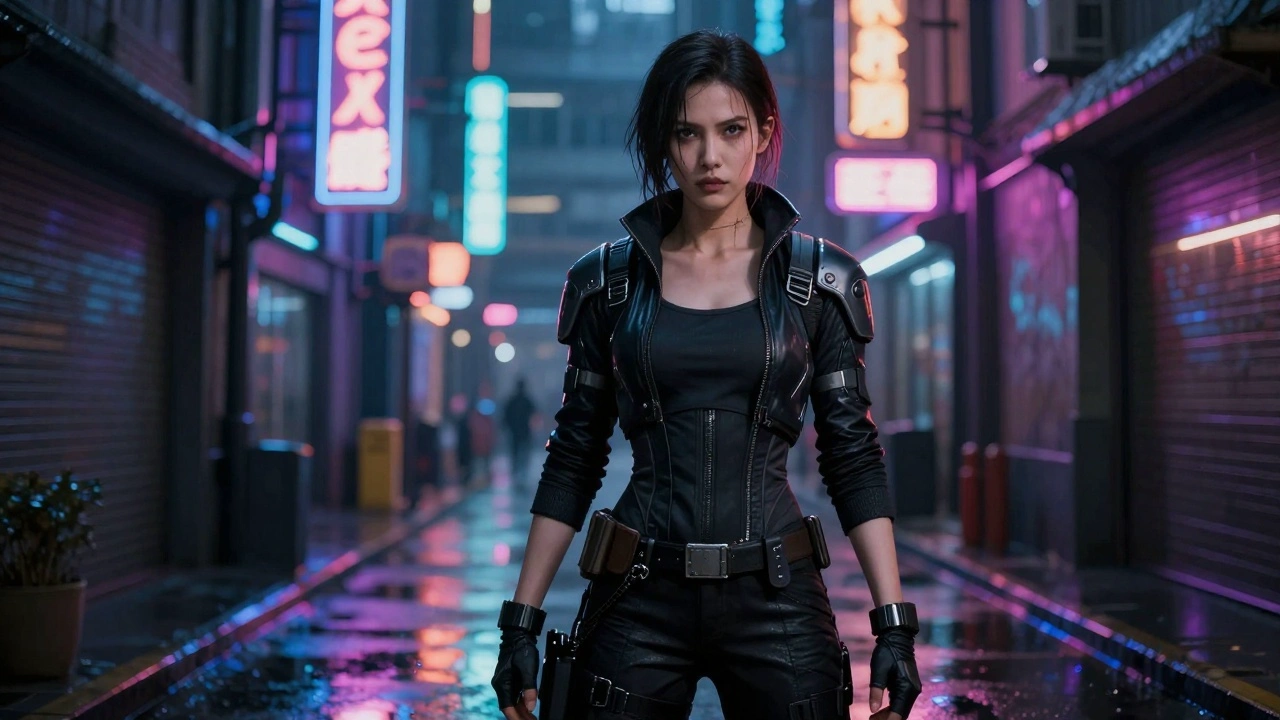



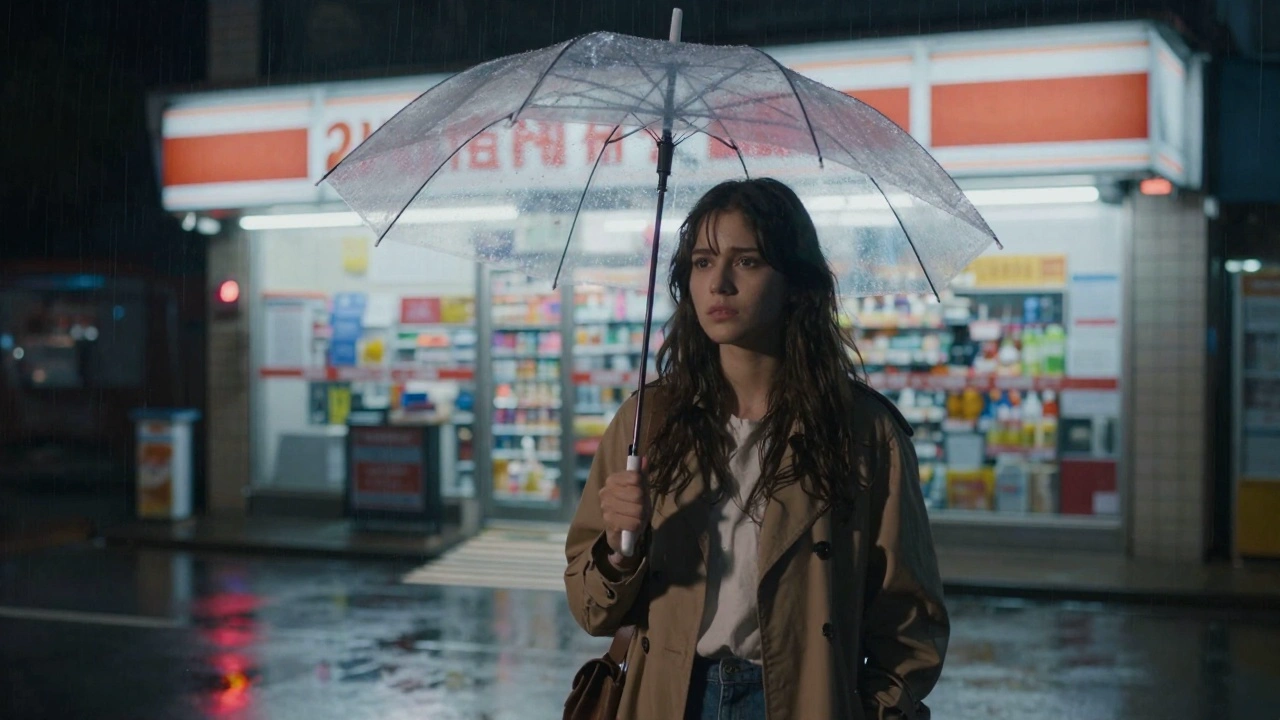
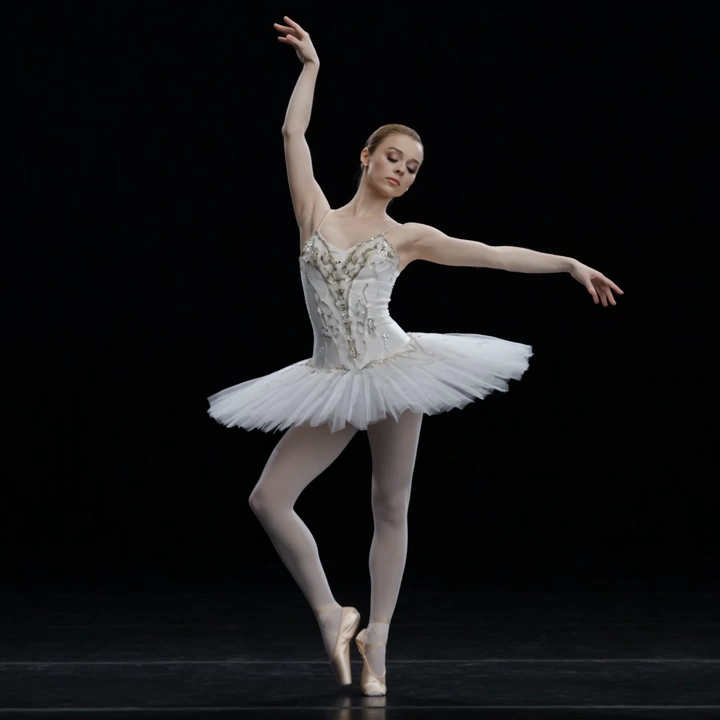
README
Seedance 2.0 Text-to-Video
Seedance 2.0 is Seed's latest video generation model, built on a unified multimodal architecture that accepts text, image, audio, and video inputs. The Text-to-Video mode generates production-grade cinematic videos from text prompts alone — with native audio, director-level control, and exceptional motion stability.
Key Features
-
Unified multimodal architecture A single model that handles text, image, audio, and video inputs for comprehensive creative flexibility.
-
Native audio-visual synchronization Generates video with synchronized audio in a single pass — no separate audio generation needed.
-
Director-level control Granular control over camera movement, lighting, shadows, and character performance through natural language prompts.
-
Production-grade cinematic quality Hollywood-grade visual fidelity with dramatic lighting, professional color grading, and smooth natural motion.
-
Exceptional motion stability Industry-leading motion coherence with stable subjects, consistent physics, and fluid transitions.
-
Strong instruction adherence Accurately follows detailed scene descriptions, shot compositions, and creative direction.
Parameters
| Parameter | Required | Description |
|---|---|---|
| prompt | Yes | Detailed description of the cinematic scene |
| aspect_ratio | No | Output format: 16:9 (default), 9:16, 4:3, 3:4, 1:1, 21:9 |
| duration | No | Video length in seconds: 4-15 (default: 5) |
| resolution | No | Output resolution: 480p, 720p (default), or 1080p |
| reference_images | No | Reference image URLs to guide style, characters, or composition |
| reference_videos | No | Reference video URLs (total length must not exceed 15 seconds) |
| reference_audios | No | Reference audio URLs (total length must not exceed 15 seconds) |
How to Use
- Write your prompt — describe the scene with cinematic detail: lighting, mood, camera movement, action, and style.
- Select aspect ratio — 16:9 for widescreen, 9:16 for vertical, 4:3 or 3:4 for classic formats.
- Set duration — choose any duration from 4 to 15 seconds.
- Optionally add references — provide reference images, videos, or audios for style guidance.
- Run — submit and download your cinematic video with synchronized audio.
Pricing
Without Reference Videos
Billed per second of output duration, anchored at $0.60 per 5 seconds at 480p.
| Resolution | Duration | Cost |
|---|---|---|
| 480p | 5 s | $0.60 |
| 480p | 10 s | $1.20 |
| 480p | 15 s | $1.80 |
| 720p | 5 s | $1.20 |
| 720p | 10 s | $2.40 |
| 720p | 15 s | $3.60 |
| 1080p | 5 s | $3.00 |
| 1080p | 10 s | $6.00 |
| 1080p | 15 s | $9.00 |
With Reference Videos
When reference_videos are provided, billing follows the same scheme as Seedance 2.0 Video-Edit: billed per second across input duration + output duration, where input duration is the total length of the supplied reference videos clamped to the 2-15 s range.
| Resolution | Per second |
|---|---|
| 480p | $0.075 |
| 720p | $0.15 |
| 1080p | $0.375 |
Examples (reference videos totaling 5 s, output 5 s = 10 billed seconds):
| Resolution | Cost |
|---|---|
| 480p | $0.75 |
| 720p | $1.50 |
| 1080p | $3.75 |
Billing Rules
- Without reference videos: $0.60 per 5 seconds at 480p, scaled by resolution; prorated per second.
- With reference videos: per-second billing matching Seedance 2.0 Video-Edit, using the total reference-video duration as input (clamped 2-15 s) plus the output duration.
- 720p: 2x the 480p price.
- 1080p: 5x the 480p price (2.5x the 720p price).
- Duration range: 4-15 seconds (continuous).
Best Use Cases
- Film & Production — Generate cinematic footage for professional video projects.
- Commercials & Ads — Create high-end promotional content with Hollywood aesthetics.
- Music Videos — Produce visually stunning sequences with native audio sync.
- Social Media Premium — Stand out with film-quality short-form content.
- Concept Visualization — Pitch film and TV concepts with production-quality previews.
Pro Tips
- Write prompts like a film director — include lighting (e.g., "dramatic rim lighting"), camera angles, and mood.
- Use 16:9 for cinematic widescreen; 9:16 for premium vertical content.
- Include specific visual details for best results (e.g., "golden hour sunlight casting long shadows").
- Describe character expressions and actions for more engaging scenes.
- Start with a short duration (4-5s) to iterate on the look, then extend up to 15s.
Notes
- Native audio generation is included — videos come with synchronized sound.
- Duration range: 4-15 seconds (continuous).
- Built on the same architecture as Seedance 2.0 Image-to-Video.
Related Models
- Seedance 2.0 Image-to-Video — Generate video from reference images + prompt.
- Seedance 2.0 Fast Text-to-Video — Faster generation at lower cost.
- Seedance 2.0 Fast Image-to-Video — Fast image-guided video generation.
- Seedance V1.5 Pro Text-to-Video — Previous generation Seedance model.
Seedance 2.0 Text To Video API — Quick start
Grab a WaveSpeedAI API key, then call POST https://api.wavespeed.ai/api/v3/bytedance/seedance-2.0/text-to-video with your input as JSON. The endpoint returns a prediction id. Start polling the result endpoint around every 2 seconds, increase the interval for long-running tasks, and stop on any terminal status. On completed, read output values from data.outputs. Examples for Seedance 2.0 Text To Video below.
HTTP example
set -euo pipefail

: "${WAVESPEED_API_KEY:?Set WAVESPEED_API_KEY}"

REQUEST_BODY=$(cat <<'JSON'
{
    "prompt": "A cinematic shot of a city at sunset, soft golden light",
    "aspect_ratio": "16:9",
    "resolution": "720p",
    "duration": 5,
    "enable_web_search": false,
    "generate_audio": true
}
JSON
)

# 1. Submit the prediction.
SUBMIT_RESPONSE=$(curl --silent --show-error --fail-with-body \
  -X POST "https://api.wavespeed.ai/api/v3/bytedance/seedance-2.0/text-to-video" \
  -H "Content-Type: application/json" \
  -H "Authorization: Bearer $WAVESPEED_API_KEY" \
  -d "$REQUEST_BODY")

TASK=$(printf '%s' "$SUBMIT_RESPONSE" | jq 'if has("data") then .data else . end')
PREDICTION_ID=$(printf '%s' "$TASK" | jq -r '.id')
if [ -z "$PREDICTION_ID" ] || [ "$PREDICTION_ID" = "null" ]; then
  printf 'Submission response did not contain a prediction id
' >&2
  exit 1
fi
RESULT_URL=$(printf '%s' "$TASK" | jq -r '.urls.get // empty')
if [ -z "$RESULT_URL" ]; then
  RESULT_URL="https://api.wavespeed.ai/api/v3/predictions/$PREDICTION_ID/result"
fi

# 2. Poll until the prediction finishes.
while true; do
  RESPONSE=$(curl --silent --show-error --fail-with-body "$RESULT_URL" \
    -H "Authorization: Bearer $WAVESPEED_API_KEY")
  RESULT=$(printf '%s' "$RESPONSE" | jq 'if has("data") then .data else . end')
  STATUS=$(printf '%s' "$RESULT" | jq -r '.status')
  case "$STATUS" in
    completed) printf '%s\n' "$RESULT" | jq '.outputs'; break ;;
    failed|cancelled|timeout) printf '%s\n' "$RESULT" | jq . >&2; exit 1 ;;
    created|processing) sleep 2 ;;
    *) printf 'Unexpected status: %s
' "$STATUS" >&2; exit 1 ;;
  esac
done
Node.js example
const submitUrl = "https://api.wavespeed.ai/api/v3/bytedance/seedance-2.0/text-to-video";
const apiKey = process.env.WAVESPEED_API_KEY;
if (!apiKey) throw new Error('Set WAVESPEED_API_KEY');

async function requestJson(url, options = {}) {
  const response = await fetch(url, options);
  if (!response.ok) throw new Error(await response.text());
  return response.json();
}

// 1. Submit the prediction.
const body = await requestJson(submitUrl, {
  method: "POST",
  headers: {
    "Authorization": `Bearer ${apiKey}`,
    "Content-Type": "application/json",
  },
  body: JSON.stringify({
        "prompt": "A cinematic shot of a city at sunset, soft golden light",
        "aspect_ratio": "16:9",
        "resolution": "720p",
        "duration": 5,
        "enable_web_search": false,
        "generate_audio": true
}),
});
const task = body.data ?? body;
if (!task.id) throw new Error("Submission response did not contain a prediction id");
const resultUrl = task.urls?.get ||
  `https://api.wavespeed.ai/api/v3/predictions/${task.id}/result`;

// 2. Poll until the prediction finishes.
while (true) {
  const resultBody = await requestJson(resultUrl, {
    headers: { "Authorization": `Bearer ${apiKey}` },
  });
  const result = resultBody.data ?? resultBody;
  if (result.status === "completed") {
    console.log(result.outputs);
    break;
  }
  if (["failed", "cancelled", "timeout"].includes(result.status)) throw new Error(JSON.stringify(result));
  if (!["created", "processing"].includes(result.status)) throw new Error("Unexpected status: " + result.status);
  await new Promise(resolve => setTimeout(resolve, 2000));
}
Python example
import json
import os
import time
from urllib.request import Request, urlopen

api_key = os.environ["WAVESPEED_API_KEY"]
headers = {"Authorization": f"Bearer {api_key}", "Content-Type": "application/json"}
payload = {
    "prompt": "A cinematic shot of a city at sunset, soft golden light",
    "aspect_ratio": "16:9",
    "resolution": "720p",
    "duration": 5,
    "enable_web_search": False,
    "generate_audio": True
}

def request_json(url, data=None):
    request = Request(url, data=data, headers=headers, method="POST" if data else "GET")
    with urlopen(request) as response:
        return json.load(response)

# 1. Submit the prediction.
body = request_json("https://api.wavespeed.ai/api/v3/bytedance/seedance-2.0/text-to-video", json.dumps(payload).encode())
task = body.get("data", body)
if not task.get("id"):
    raise RuntimeError("Submission response did not contain a prediction id")
result_url = task.get("urls", {}).get("get") or f"https://api.wavespeed.ai/api/v3/predictions/{task['id']}/result"

# 2. Poll until the prediction finishes.
while True:
    result_body = request_json(result_url)
    result = result_body.get("data", result_body)
    status = result.get("status")
    if status == "completed":
        print(result.get("outputs", []))
        break
    if status in {"failed", "cancelled", "timeout"}:
        raise RuntimeError(result)
    if status not in {"created", "processing"}:
        raise RuntimeError(f"Unexpected status: {status}")
    time.sleep(2)
Seedance 2.0 Text To Video API — Frequently asked questions
What is the Seedance 2.0 Text To Video API?
Seedance 2.0 Text To Video is a ByteDance model for video generation, exposed as a REST API on WaveSpeedAI. Seedance 2.0 (Text-to-Video) generates Hollywood-grade cinematic videos from text prompts with native audio-visual synchronization, director-level camera and lighting control, and exceptional motion stability. Built on Seed's unified multimodal architecture, it leads on instruction adherence, motion quality, and visual aesthetics. You can call it programmatically or try it from the playground above.
How do I call the Seedance 2.0 Text To Video API?
POST your input parameters to the model's REST endpoint (shown in the API tab of this playground) with your WaveSpeedAI API key in the Authorization header. Submission returns a prediction ID. Poll the result endpoint starting around every 2 seconds, increase the interval for long-running tasks, and stop on any terminal status. The playground generates production-oriented Python, JavaScript, and cURL examples with timeouts, transient-error handling, and safe GET retries. Full request/response shape is documented at https://wavespeed.ai/docs/docs-api/bytedance/bytedance-seedance-2.0-text-to-video.
How much does Seedance 2.0 Text To Video cost per run?
Seedance 2.0 Text To Video starts at $0.60 per run. That figure is the base price — the final charge scales with the parameters you set in the form (output size, length, count, references, or whatever knobs this model exposes), so a higher-quality or larger output costs more than a minimal one. The exact cost for your current input is shown live next to the Generate button before you submit, and the actual per-call charge is recorded on the prediction afterwards.
What inputs does Seedance 2.0 Text To Video accept?
Key inputs: `prompt`, `aspect_ratio`, `resolution`, `duration`, `reference_images`, `enable_web_search`. The full JSON schema (types, defaults, allowed values) is rendered above the Generate button and mirrored in the API reference at https://wavespeed.ai/docs/docs-api/bytedance/bytedance-seedance-2.0-text-to-video.
How do I get started with the Seedance 2.0 Text To Video API?
Sign up for a free WaveSpeedAI account to claim starter credits, copy your API key from /accesskey, then call the endpoint shown in the API tab of the playground. The playground also auto-generates a code sample in Python, JavaScript, or cURL for the parameters you've set.
Can I use Seedance 2.0 Text To Video outputs commercially?
Commercial usage rights depend on the model's license, set by its provider (ByteDance). The license summary appears on the model card above; see WaveSpeedAI's Terms of Service for platform-level conditions.