Seedance 2.0 (Image-to-Video) generates Hollywood-grade cinematic videos from reference images and text prompts with native audio-visual synchronization, director-level camera and lighting control, and exceptional motion stability. Built on Seed's unified multimodal architecture, it preserves the input image's subject and composition while adding expressive, physically accurate motion.
Idle
$0.6per run·~16 / $10
ExamplesView all
Both accelerate hard out of a corner together — grandmother's wheelchair wobbles at the limit, she counter-steers with pure instinct, knuckles white on the joystick, her reading glasses flying off her face into the slipstream. The F1 driver glances over through his visor, visibly shaken. She doesn't look back. They hit the straight — the F1 car pulls away slowly, but she tucks into its wake and drafts, inching back up. Cut to the grandstands erupting.
The wind picks up, pressing his jacket flat against his chest, hair whipping sideways. He adjusts the camera angle, tilts it slightly downward — below, the city traffic crawls in golden silence. A flock of pigeons erupts from a ledge below him and wheels out over the skyline in a wide arc. He tracks them through the viewfinder, turning slowly. The sun drops another degree — the light shifts from amber to deep copper across his face. He lowers the camera. Looks out at the city with naked eyes for a long moment. Then raises the camera again. Camera slowly drifts forward, closing the distance behind him.
The cat slowly adjusts its glasses with one paw, then sighs deeply and slams a tiny folder on the table in frustration, papers flying everywhere, realistic fur physics
The wizard slowly sips his Slurpee through a straw, then accidentally turns the hot dog roller rack into snakes with a twitch of his staff, jumps back startled, snakes slithering everywhere
Related Models
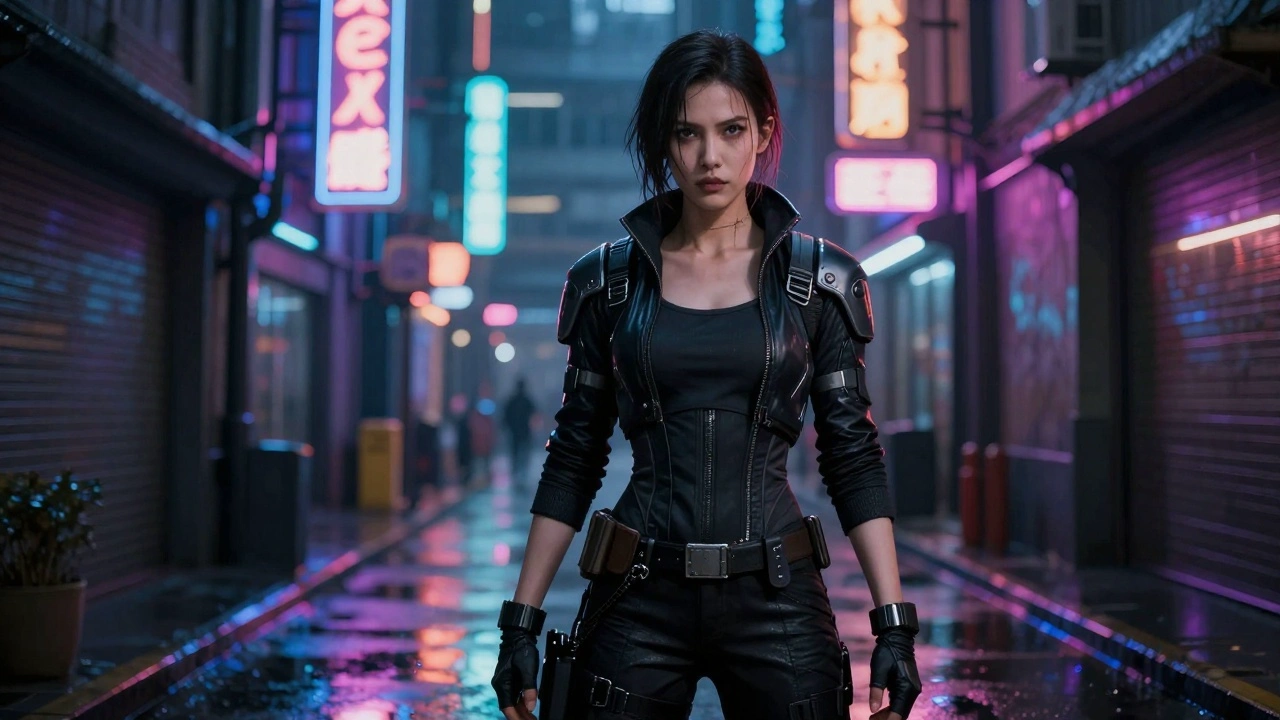



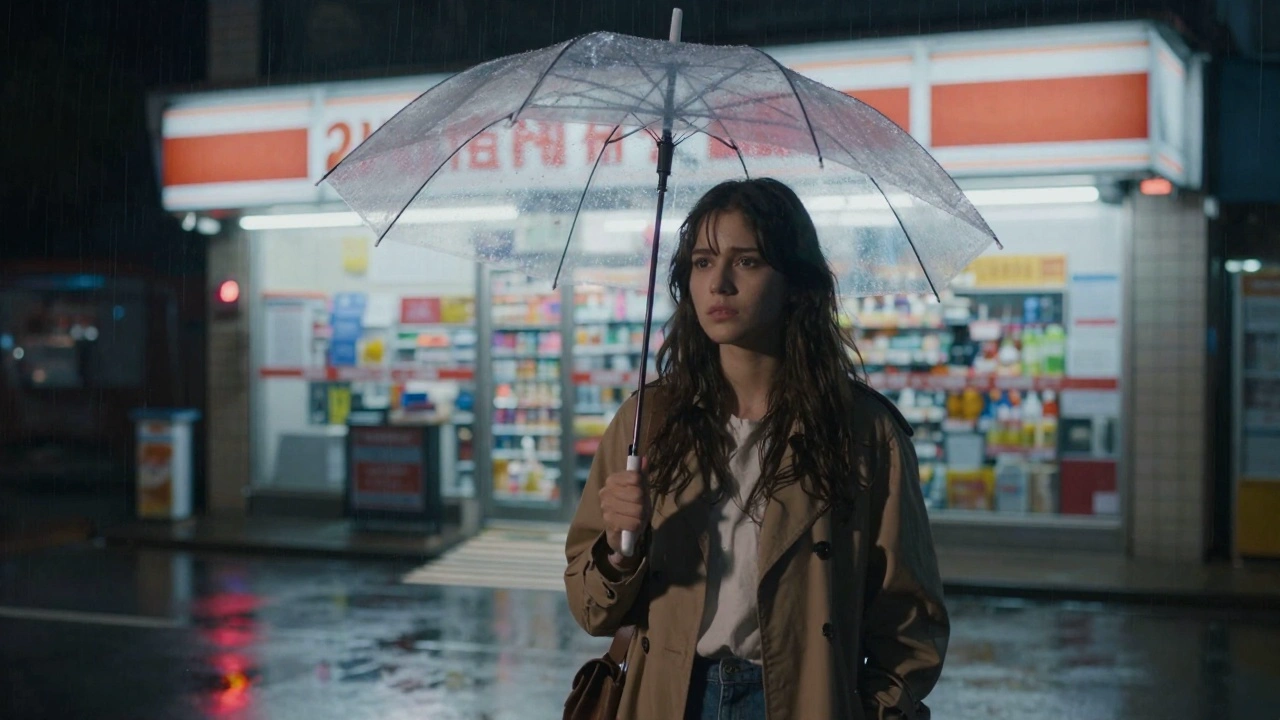
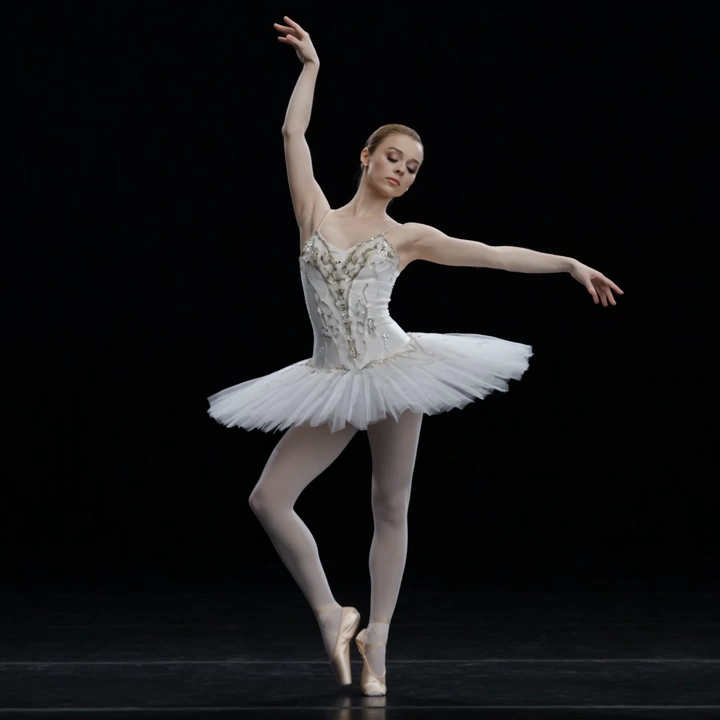
README
Seedance 2.0 Image-to-Video
Seedance 2.0 is Seed's latest video generation model, built on a unified multimodal architecture. The Image-to-Video mode generates production-grade cinematic videos from reference images and text prompts — preserving the input image's subject, composition, and style while adding expressive motion with native audio synchronization.
Key Features
-
Unified multimodal architecture A single model that handles text, image, audio, and video inputs for comprehensive creative flexibility.
-
Image-faithful generation Preserves the reference image's subject identity, composition, lighting, and style while animating it into motion.
-
Multi-image reference support Guide generation with up to 4 reference images for consistent style, characters, or scenes.
-
Native audio-visual synchronization Generates video with synchronized audio in a single pass.
-
Director-level control Granular control over camera movement, lighting, shadows, and character performance through prompts.
-
Exceptional motion stability Industry-leading motion coherence with stable subjects, consistent physics, and fluid transitions.
Parameters
| Parameter | Required | Description |
|---|---|---|
| prompt | Yes | Detailed description of the cinematic scene |
| image | Yes | Start image URL to guide the video generation |
| last_image | No | Last frame image URL for video continuation |
| duration | No | Video length in seconds: 4-15 (default: 5) |
| aspect_ratio | No | Output format: 16:9, 9:16, 4:3, 3:4, 1:1, 21:9 (default: adaptive) |
| resolution | No | Output resolution: 480p, 720p (default), or 1080p |
How to Use
- Upload a start image — provide an image to guide the video generation.
- Write your prompt — describe the scene with cinematic detail: action, camera movement, lighting, mood.
- Set duration — choose any duration from 4 to 15 seconds.
- Run — submit and download your cinematic video with synchronized audio.
Pricing
| Resolution | Duration | Cost |
|---|---|---|
| 480p | 5 s | $0.60 |
| 480p | 10 s | $1.20 |
| 480p | 15 s | $1.80 |
| 720p | 5 s | $1.20 |
| 720p | 10 s | $2.40 |
| 720p | 15 s | $3.60 |
| 1080p | 5 s | $3.00 |
| 1080p | 10 s | $6.00 |
| 1080p | 15 s | $9.00 |
Prices scale linearly with duration (4-15 seconds).
Billing Rules
- Base rate (480p): $0.60 per 5 seconds
- 720p: 2x the 480p price
- 1080p: 5x the 480p price (2.5x the 720p price)
- Duration range: 4-15 seconds (continuous)
Best Use Cases
- Product Demos — Animate product shots into cinematic showcase videos.
- Ad Creatives — Turn storyboard frames into polished commercial footage.
- Character Animation — Bring character art or portraits to life with natural motion.
- Scene Extension — Transform a single keyframe into a full cinematic sequence.
- Style-Consistent Series — Use reference images to maintain visual consistency across multiple clips.
Pro Tips
- Upload high-quality reference images for the best subject preservation.
- Write prompts like a film director — include lighting, camera angles, and mood.
- Use multiple reference images for better style and character consistency.
- Start with a short duration (4-5s) to iterate, then extend up to 15s for the final cut.
- Describe character expressions and actions for more engaging scenes.
Notes
- Native audio generation is included — videos come with synchronized sound.
- Up to 4 reference images can be uploaded.
- Duration range: 4-15 seconds (continuous).
- Aspect ratio follows the input image composition.
Related Models
- Seedance 2.0 Text-to-Video — Generate video from text prompts alone.
- Seedance 2.0 Fast Image-to-Video — Faster generation at lower cost.
- Seedance 2.0 Fast Text-to-Video — Fast text-guided video generation.
- Seedance V1.5 Pro Image-to-Video — Previous generation Seedance model.
Seedance 2.0 Image To Video API — Quick start
Grab a WaveSpeedAI API key, then call POST https://api.wavespeed.ai/api/v3/bytedance/seedance-2.0/image-to-video with your input as JSON. The endpoint returns a prediction id. Start polling the result endpoint around every 2 seconds, increase the interval for long-running tasks, and stop on any terminal status. On completed, read output values from data.outputs. Examples for Seedance 2.0 Image To Video below.
HTTP example
set -euo pipefail

: "${WAVESPEED_API_KEY:?Set WAVESPEED_API_KEY}"

REQUEST_BODY=$(cat <<'JSON'
{
    "prompt": "A cinematic shot of a city at sunset, soft golden light",
    "image": "https://interactive-examples.mdn.mozilla.net/media/cc0-images/painted-hand-298-332.jpg",
    "aspect_ratio": "16:9",
    "resolution": "720p",
    "duration": 5,
    "enable_web_search": false,
    "generate_audio": true
}
JSON
)

# 1. Submit the prediction.
SUBMIT_RESPONSE=$(curl --silent --show-error --fail-with-body \
  -X POST "https://api.wavespeed.ai/api/v3/bytedance/seedance-2.0/image-to-video" \
  -H "Content-Type: application/json" \
  -H "Authorization: Bearer $WAVESPEED_API_KEY" \
  -d "$REQUEST_BODY")

TASK=$(printf '%s' "$SUBMIT_RESPONSE" | jq 'if has("data") then .data else . end')
PREDICTION_ID=$(printf '%s' "$TASK" | jq -r '.id')
if [ -z "$PREDICTION_ID" ] || [ "$PREDICTION_ID" = "null" ]; then
  printf 'Submission response did not contain a prediction id
' >&2
  exit 1
fi
RESULT_URL=$(printf '%s' "$TASK" | jq -r '.urls.get // empty')
if [ -z "$RESULT_URL" ]; then
  RESULT_URL="https://api.wavespeed.ai/api/v3/predictions/$PREDICTION_ID/result"
fi

# 2. Poll until the prediction finishes.
while true; do
  RESPONSE=$(curl --silent --show-error --fail-with-body "$RESULT_URL" \
    -H "Authorization: Bearer $WAVESPEED_API_KEY")
  RESULT=$(printf '%s' "$RESPONSE" | jq 'if has("data") then .data else . end')
  STATUS=$(printf '%s' "$RESULT" | jq -r '.status')
  case "$STATUS" in
    completed) printf '%s\n' "$RESULT" | jq '.outputs'; break ;;
    failed|cancelled|timeout) printf '%s\n' "$RESULT" | jq . >&2; exit 1 ;;
    created|processing) sleep 2 ;;
    *) printf 'Unexpected status: %s
' "$STATUS" >&2; exit 1 ;;
  esac
done
Node.js example
const submitUrl = "https://api.wavespeed.ai/api/v3/bytedance/seedance-2.0/image-to-video";
const apiKey = process.env.WAVESPEED_API_KEY;
if (!apiKey) throw new Error('Set WAVESPEED_API_KEY');

async function requestJson(url, options = {}) {
  const response = await fetch(url, options);
  if (!response.ok) throw new Error(await response.text());
  return response.json();
}

// 1. Submit the prediction.
const body = await requestJson(submitUrl, {
  method: "POST",
  headers: {
    "Authorization": `Bearer ${apiKey}`,
    "Content-Type": "application/json",
  },
  body: JSON.stringify({
        "prompt": "A cinematic shot of a city at sunset, soft golden light",
        "image": "https://interactive-examples.mdn.mozilla.net/media/cc0-images/painted-hand-298-332.jpg",
        "aspect_ratio": "16:9",
        "resolution": "720p",
        "duration": 5,
        "enable_web_search": false,
        "generate_audio": true
}),
});
const task = body.data ?? body;
if (!task.id) throw new Error("Submission response did not contain a prediction id");
const resultUrl = task.urls?.get ||
  `https://api.wavespeed.ai/api/v3/predictions/${task.id}/result`;

// 2. Poll until the prediction finishes.
while (true) {
  const resultBody = await requestJson(resultUrl, {
    headers: { "Authorization": `Bearer ${apiKey}` },
  });
  const result = resultBody.data ?? resultBody;
  if (result.status === "completed") {
    console.log(result.outputs);
    break;
  }
  if (["failed", "cancelled", "timeout"].includes(result.status)) throw new Error(JSON.stringify(result));
  if (!["created", "processing"].includes(result.status)) throw new Error("Unexpected status: " + result.status);
  await new Promise(resolve => setTimeout(resolve, 2000));
}
Python example
import json
import os
import time
from urllib.request import Request, urlopen

api_key = os.environ["WAVESPEED_API_KEY"]
headers = {"Authorization": f"Bearer {api_key}", "Content-Type": "application/json"}
payload = {
    "prompt": "A cinematic shot of a city at sunset, soft golden light",
    "image": "https://interactive-examples.mdn.mozilla.net/media/cc0-images/painted-hand-298-332.jpg",
    "aspect_ratio": "16:9",
    "resolution": "720p",
    "duration": 5,
    "enable_web_search": False,
    "generate_audio": True
}

def request_json(url, data=None):
    request = Request(url, data=data, headers=headers, method="POST" if data else "GET")
    with urlopen(request) as response:
        return json.load(response)

# 1. Submit the prediction.
body = request_json("https://api.wavespeed.ai/api/v3/bytedance/seedance-2.0/image-to-video", json.dumps(payload).encode())
task = body.get("data", body)
if not task.get("id"):
    raise RuntimeError("Submission response did not contain a prediction id")
result_url = task.get("urls", {}).get("get") or f"https://api.wavespeed.ai/api/v3/predictions/{task['id']}/result"

# 2. Poll until the prediction finishes.
while True:
    result_body = request_json(result_url)
    result = result_body.get("data", result_body)
    status = result.get("status")
    if status == "completed":
        print(result.get("outputs", []))
        break
    if status in {"failed", "cancelled", "timeout"}:
        raise RuntimeError(result)
    if status not in {"created", "processing"}:
        raise RuntimeError(f"Unexpected status: {status}")
    time.sleep(2)
Seedance 2.0 Image To Video API — Frequently asked questions
What is the Seedance 2.0 Image To Video API?
Seedance 2.0 Image To Video is a ByteDance model for video generation from images, exposed as a REST API on WaveSpeedAI. Seedance 2.0 (Image-to-Video) generates Hollywood-grade cinematic videos from reference images and text prompts with native audio-visual synchronization, director-level camera and lighting control, and exceptional motion stability. Built on Seed's unified multimodal architecture, it preserves the input image's subject and composition while adding expressive, physically accurate motion. You can call it programmatically or try it from the playground above.
How do I call the Seedance 2.0 Image To Video API?
POST your input parameters to the model's REST endpoint (shown in the API tab of this playground) with your WaveSpeedAI API key in the Authorization header. Submission returns a prediction ID. Poll the result endpoint starting around every 2 seconds, increase the interval for long-running tasks, and stop on any terminal status. The playground generates production-oriented Python, JavaScript, and cURL examples with timeouts, transient-error handling, and safe GET retries. Full request/response shape is documented at https://wavespeed.ai/docs/docs-api/bytedance/bytedance-seedance-2.0-image-to-video.
How much does Seedance 2.0 Image To Video cost per run?
Seedance 2.0 Image To Video starts at $0.60 per run. That figure is the base price — the final charge scales with the parameters you set in the form (output size, length, count, references, or whatever knobs this model exposes), so a higher-quality or larger output costs more than a minimal one. The exact cost for your current input is shown live next to the Generate button before you submit, and the actual per-call charge is recorded on the prediction afterwards.
What inputs does Seedance 2.0 Image To Video accept?
Key inputs: `prompt`, `image`, `aspect_ratio`, `resolution`, `duration`, `enable_web_search`. The full JSON schema (types, defaults, allowed values) is rendered above the Generate button and mirrored in the API reference at https://wavespeed.ai/docs/docs-api/bytedance/bytedance-seedance-2.0-image-to-video.
How do I get started with the Seedance 2.0 Image To Video API?
Sign up for a free WaveSpeedAI account to claim starter credits, copy your API key from /accesskey, then call the endpoint shown in the API tab of the playground. The playground also auto-generates a code sample in Python, JavaScript, or cURL for the parameters you've set.
Can I use Seedance 2.0 Image To Video outputs commercially?
Commercial usage rights depend on the model's license, set by its provider (ByteDance). The license summary appears on the model card above; see WaveSpeedAI's Terms of Service for platform-level conditions.